

All features · knowledge and files
People find the answer themselves — and it is the company's answer
Policies live as pages with versions and approval; contracts and design files live in storage with folder permissions. Search and answers only ever cover what you are allowed to see.
Knowledge base and files in Akeda ERP keeps policies, job descriptions and company material as block-editor pages with versions, an owner and an approval step, while contracts, artwork and scans live in file storage with inherited folder permissions and four access levels. Search covers the text of documents and recognised scans, and a plain-language question is answered only from published material the asker is allowed to see, always with sources listed; without evidence the system declines instead of inventing. Files up to 500 GB upload in chunks with resume, are scanned for malware before release, and leave the company only through an external link with an expiry date, a password and a download limit.
- With citationsevery answer shows its sources, or stays silent
- 30 toolsknowledge and files exposed to agents over MCP
- 500 GBsingle-file limit: chunked upload, resume, version rollback
- 4 levelsper folder: view, edit, share links, own
01Who gets what
For the new hire
Week one runs on questions to colleagues, and asking twice feels awkward.
An onboarding space, policies and job descriptions they can read on their own. Anything unclear can be asked in plain words and answered with a link.
For the manager
The rules exist, but everyone remembers their own version from an old chat.
Each page has an owner, approval before publishing, a version history and a freshness check. Stale content is visible, not guessed at.
For whoever owns the documents
Contracts sit on personal drives, and the “latest version” depends on who you ask.
Storage with folder permissions, file versions and a recycle bin. Content leaves only as a link — with an expiry date, a password and an access log.
02Key points
-
01
A policy nobody rewrites in chat
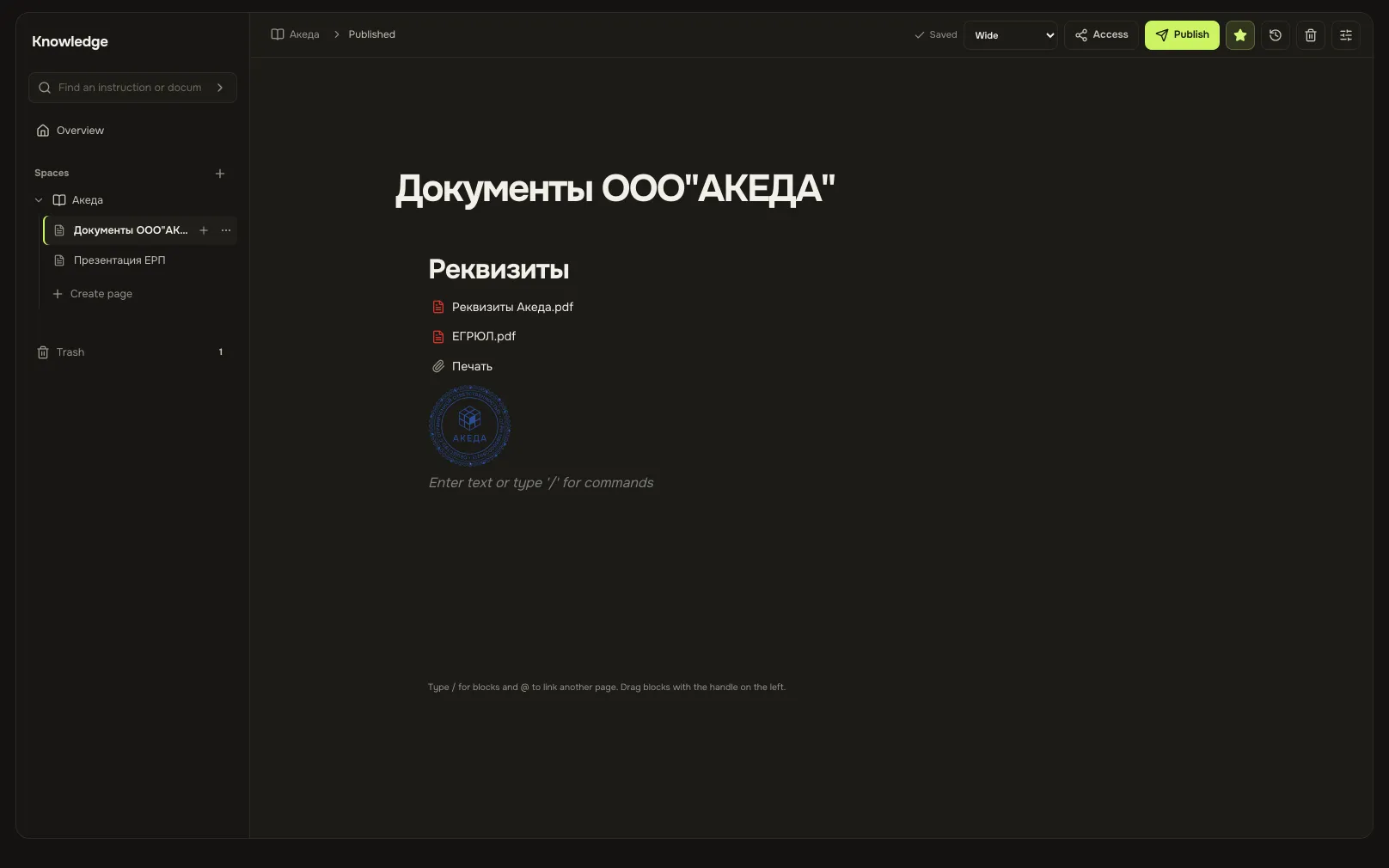
- Block editor: headings, lists, checklists, tables, images, files and nested pages.
- Built-in templates: job description, process policy, employee onboarding.
- A draft is approved and published; version history brings any earlier text back.
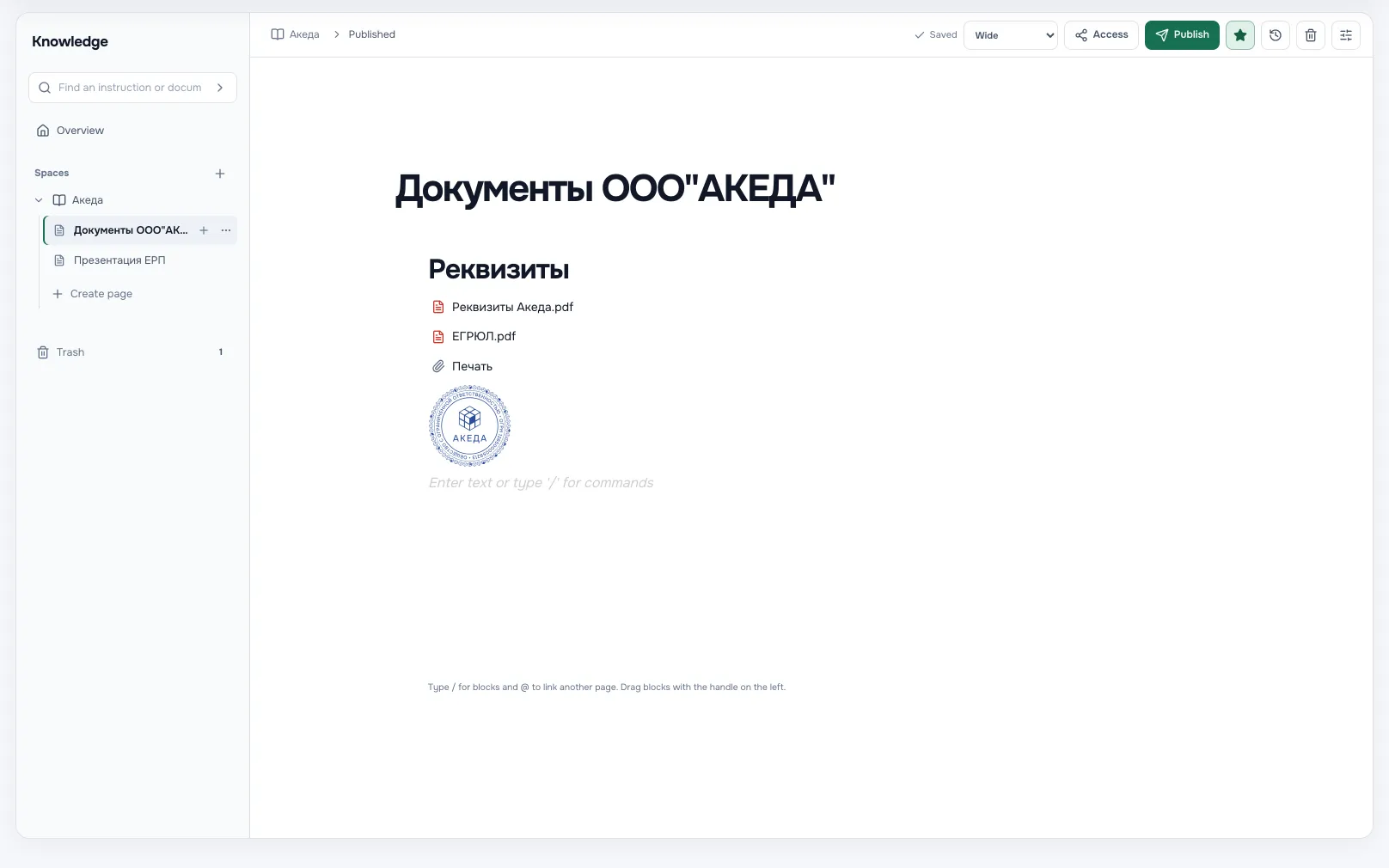
Knowledge base pageA screen from an Akeda ERP workspace -
02
Ask in plain words
- The answer is built only from published material that you personally can access.
- Sources sit under the answer: the page or the file opens in one click.
- With no supporting source it declines instead of inventing, and stale sources are flagged.
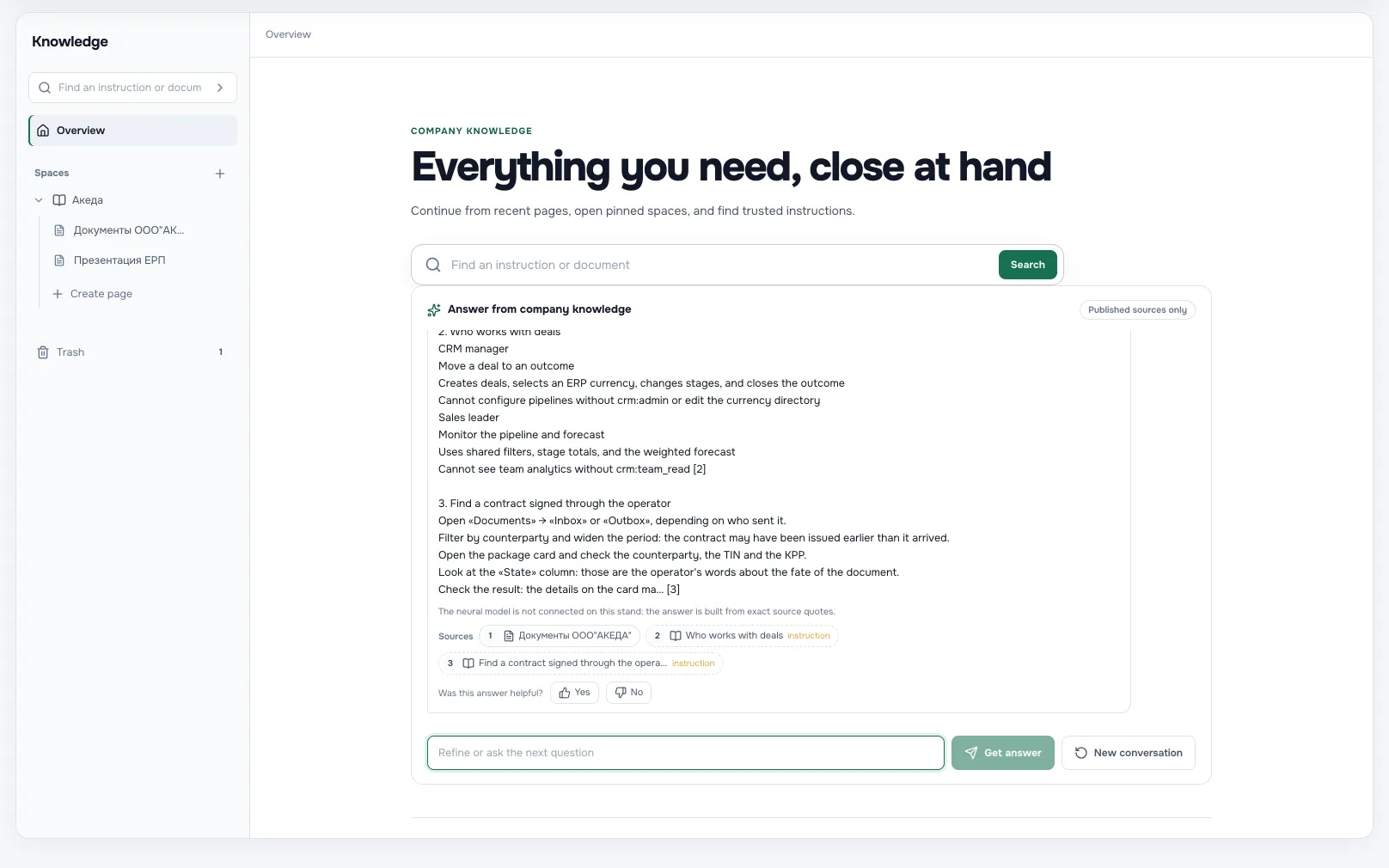
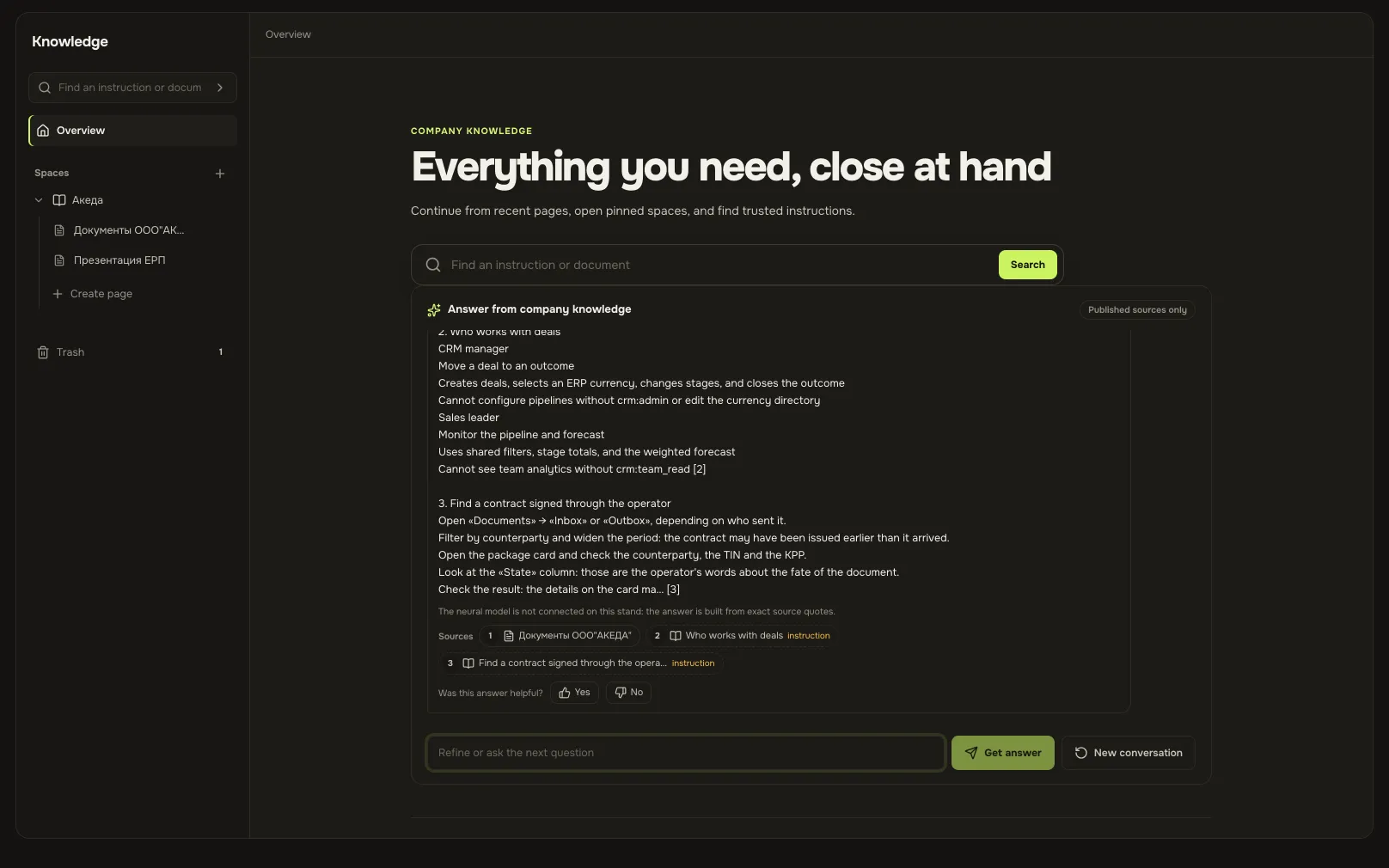
Knowledge base answerA screen from an Akeda ERP workspace -
03
Company files, not a shared drive
- Drives and folders with permissions: inheritance downward, broken wherever a folder needs its own list.
- A file is a name; content lives in versions, so a wrong upload rolls back.
- Search covers document text and recognised scans, not just file names.
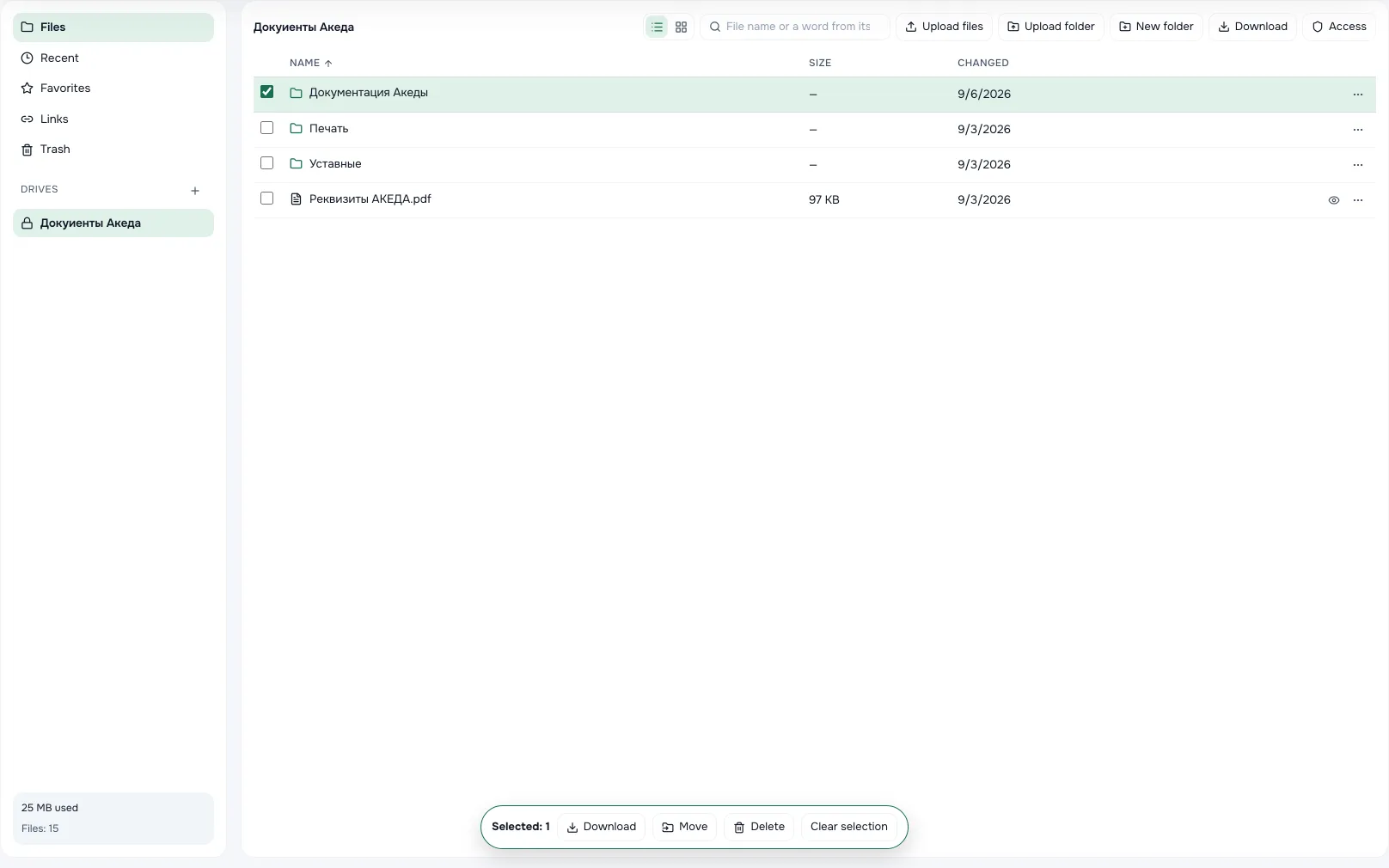
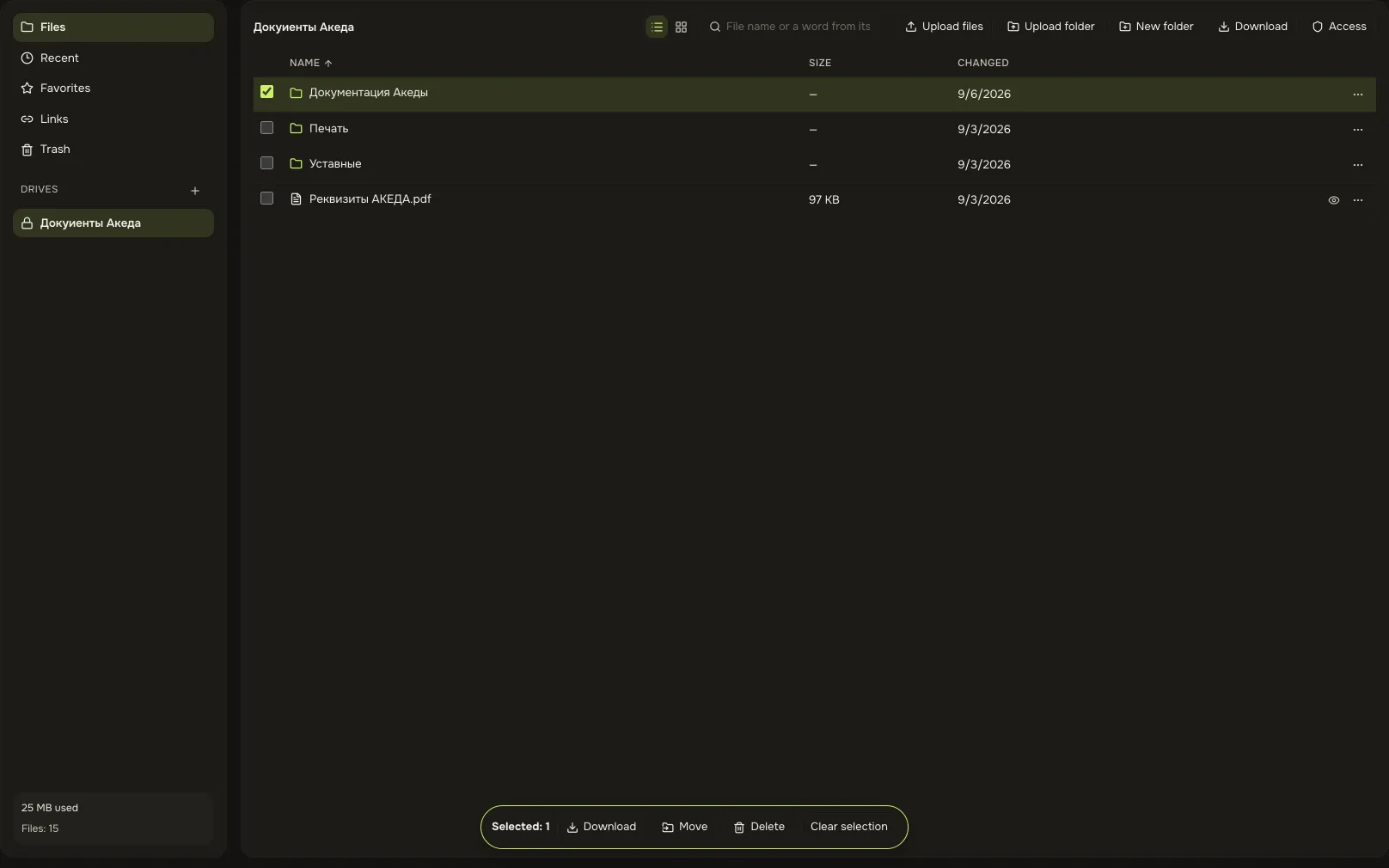
File storageA screen from an Akeda ERP workspace -
04
Outside access is a link, nothing more
- Three modes: view without download, download, or collect files from the recipient.
- Expiry, password and download limit are optional; the workspace can require them.
- A link never turns into membership, and the log shows who opened it and when.
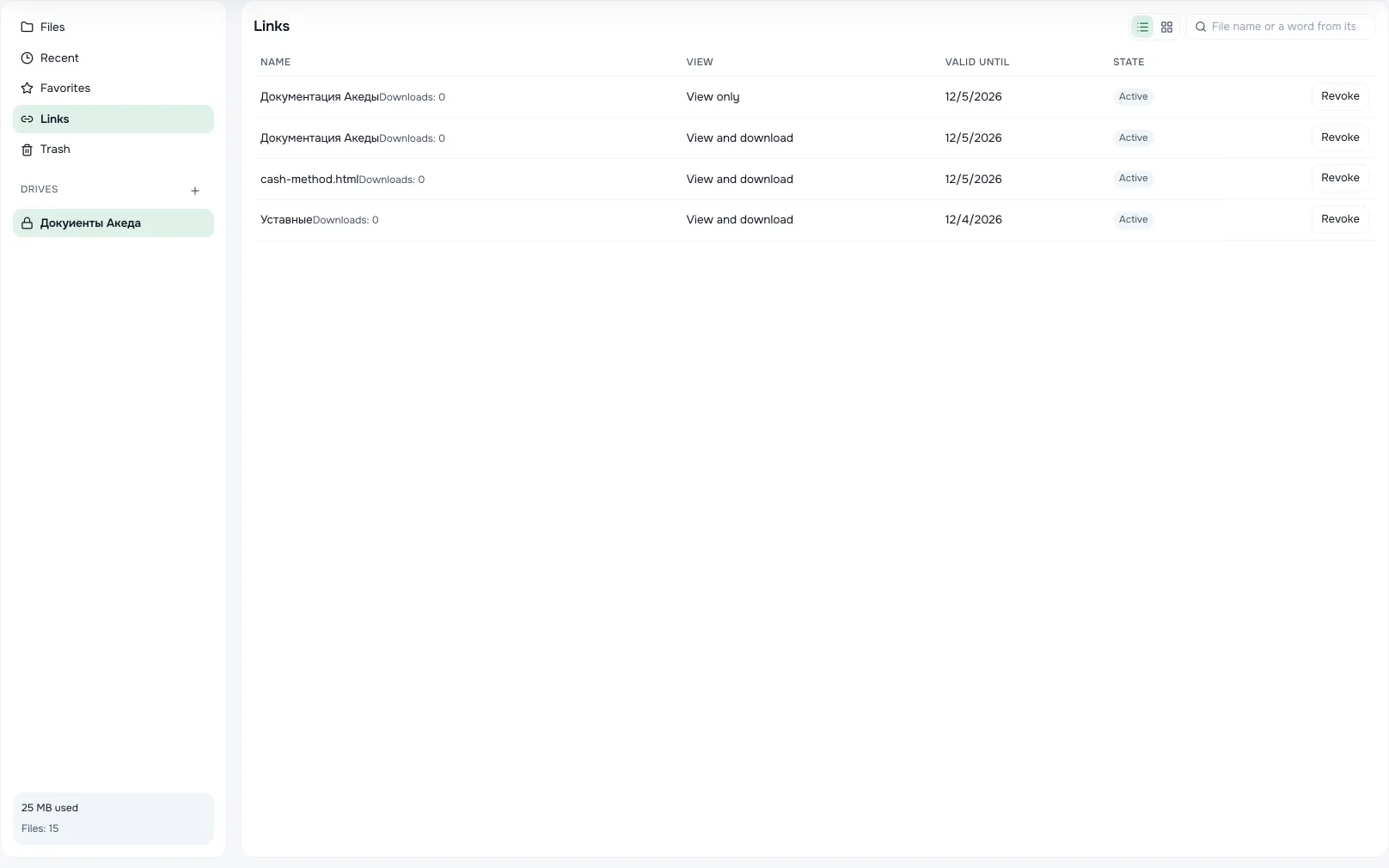
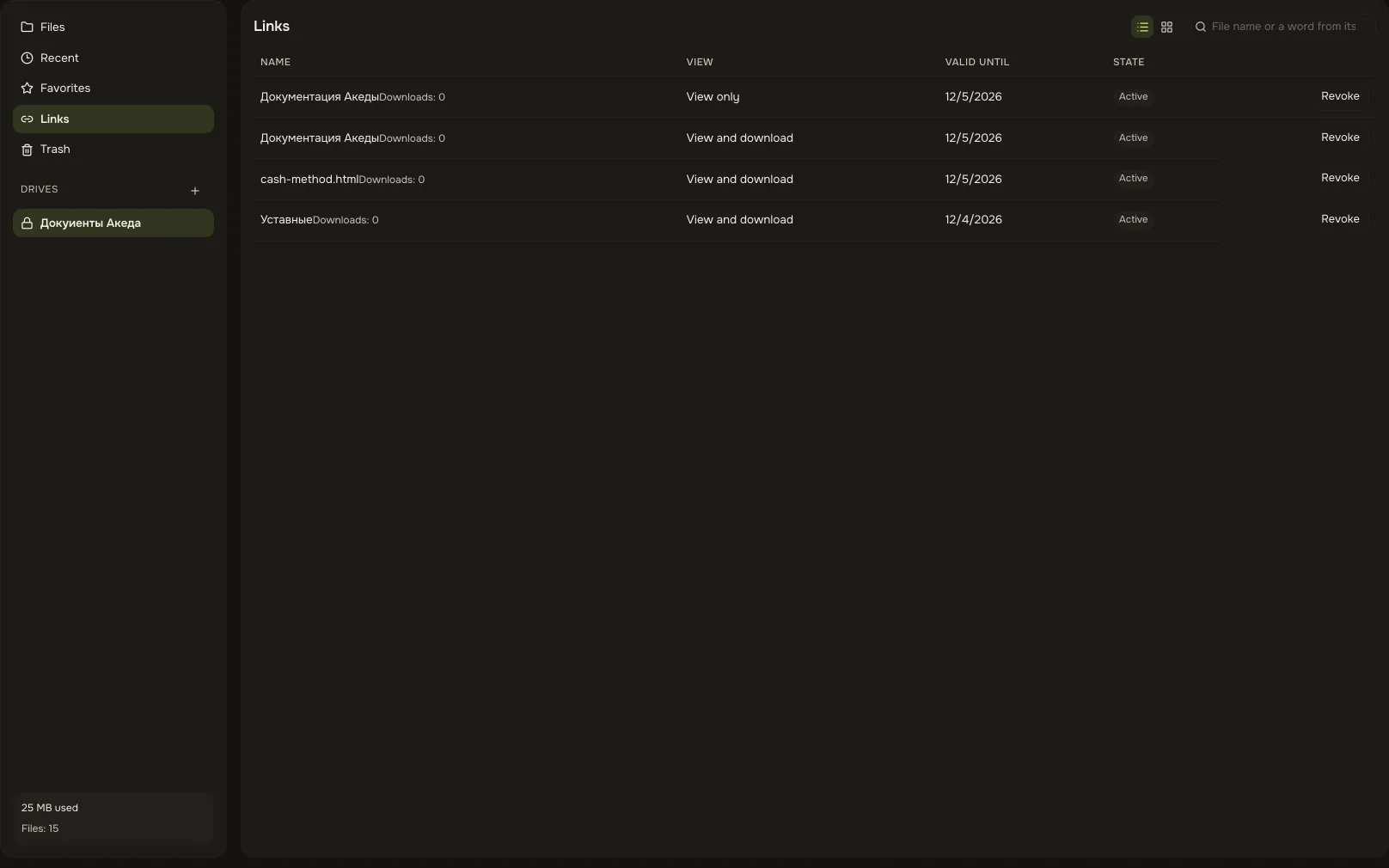
External linkA screen from an Akeda ERP workspace
03One day with the module
- 09:00
A new hire starts
They open the onboarding space: first days, training, frequent questions. Their buddy is not interrupted once.
- 11:20
A question about approvals
Asked in plain words, answered with a quote from the policy and a link to the page itself.
- 13:00
A contract goes to storage
Legal uploads a scan. Its text is recognised, so the contract is found by content, not only by file name.
- 15:30
A contractor needs the artwork
A download link with a password, valid for a week. No account had to be created for them.
- Day 180
Time to confirm freshness
The page owner sees the overdue check on their overview: the page is either confirmed or corrected.
04Works together with
- tasks and calendarTasks and calendar
A task links to the policy, while meeting notes and project materials sit in the project hub.
Learn more - chatsChats
A question that keeps coming back in chat becomes a page — and stops coming back.
Learn more - integrationsIntegrations and API
Your own bot answers from selected spaces through its own key, and gains nothing beyond them.
Learn more - your moduleCustom module
If your process is unusual, templates and sections adapt to it without rewriting the system.
Learn more
05In brief
MCP tools: akeda_go_knowledge_answer akeda_go_knowledge_pages akeda_go_files_list
06Questions
Knowledge base and files
How is this better than a shared drive?
A page carries versions, an owner and approval; a file carries versions and folder permissions. Search and answers respect your rights, so you never see what is not yours.
Can the AI make an answer up?
The answer is assembled only from retrieved sources and always lists them. With no confirmation it declines to answer. It never widens anyone's permissions.
Who can see a private drive?
Only those granted access personally, by role or by department. An open shared drive still does not let everyone publish its content through an external link.
Can we edit an office document in place?
No. Office files open for viewing, with a thumbnail and a PDF rendering; editing means downloading and uploading a new version over the previous one.
What about viruses in uploaded files?
Content is scanned before it is served, not after it is downloaded. Infected files are released nowhere — not singly, not in an archive, not through a link; oversized content is honestly marked as unscanned.
See Akeda
with your workflow.
Tell us what you want to connect or automate. We will show how the process could work in Akeda, what data it needs and where to start.
- 01Understand your needs
- 02Explore connected workflows
- 03Define the next step
Request received
Thank you! We have your number and will get in touch on the next working day.
What happens next: a short conversation about your process — what to connect, which data is needed and where to start. No sales pitch.