

All features · stock
Know what is available, what is coming and what it costs
Every stock movement is a document, and once posted it lands in both stock balances and finance: a receipt changes the balance sheet, a sale recognises cost. There is nothing left to reconcile by hand.
Stock in Akeda ERP records every movement as a document: receipt, shipment, transfer, write-off, capitalisation and two kinds of return. One row shows quantity on hand, reserved, available, expected and cost; batches carry their own shelf life and value, each legal entity chooses FIFO or moving average, and replenishment rules know minimum, maximum, pack multiple and lead time. Unlike a standalone warehouse tool, a posted document lands in both stock balances and the management ledger: a receipt moves the balance sheet and supplier debt, a shipment moves value into goods shipped, and cost of goods is recognised together with the sale, so nothing has to be reconciled by hand.
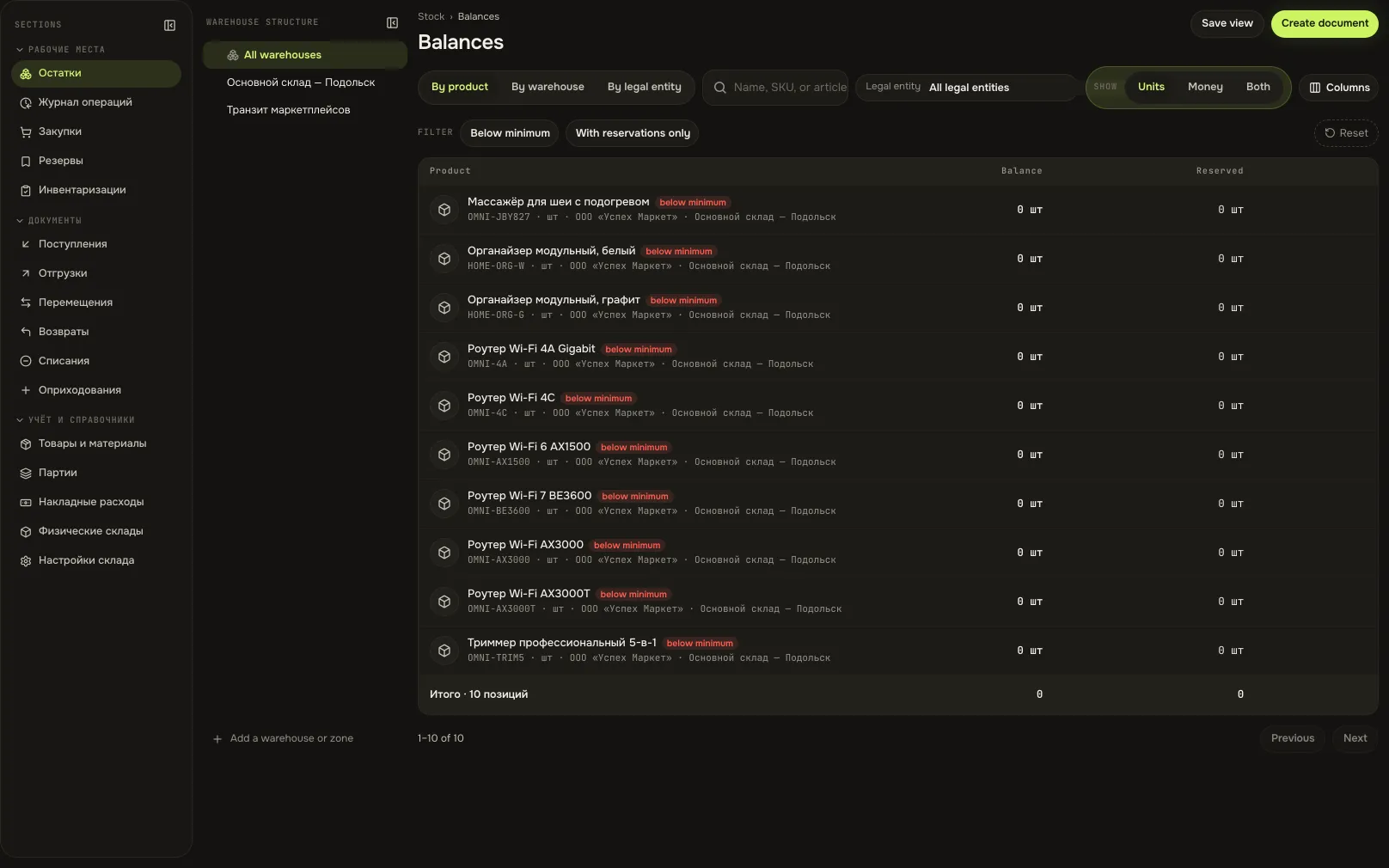
- 5 figureson hand, reserved, available, expected and cost in one row
- 7 documentsreceipt, shipment, transfer, write-off, capitalisation and two return types
- FIFO / averageeach legal entity picks its own costing method
- 71 toolsstock operations available to an agent over MCP
01Who gets what
For the storekeeper
A stocktake turns into a week of paper reconciliation and shouting about one missing box.
A blind count against an atomic snapshot, automatic reconciliation and ready-made adjustment documents for every discrepancy.
For the buyer
Orders are placed on instinct: half the items are already in transit, half are not needed.
The purchasing view computes on hand minus reserved plus expected, and suggests a quantity from your own replenishment rule.
For the finance lead
Stock lives in one spreadsheet, profit in another, and at month-end they disagree.
A posted stock document moves the balance sheet and cost of sales itself: there is no separate stock-to-ledger reconciliation left.
02Key points
-
01
A receipt answers three questions at once
- Every receipt line creates a batch — even when the supplier gave no batch number.
- Goods reach the balance sheet and supplier debt reaches settlements from the same document.
- Receive part of an order: the remainder stays expected, anything above it is refused.
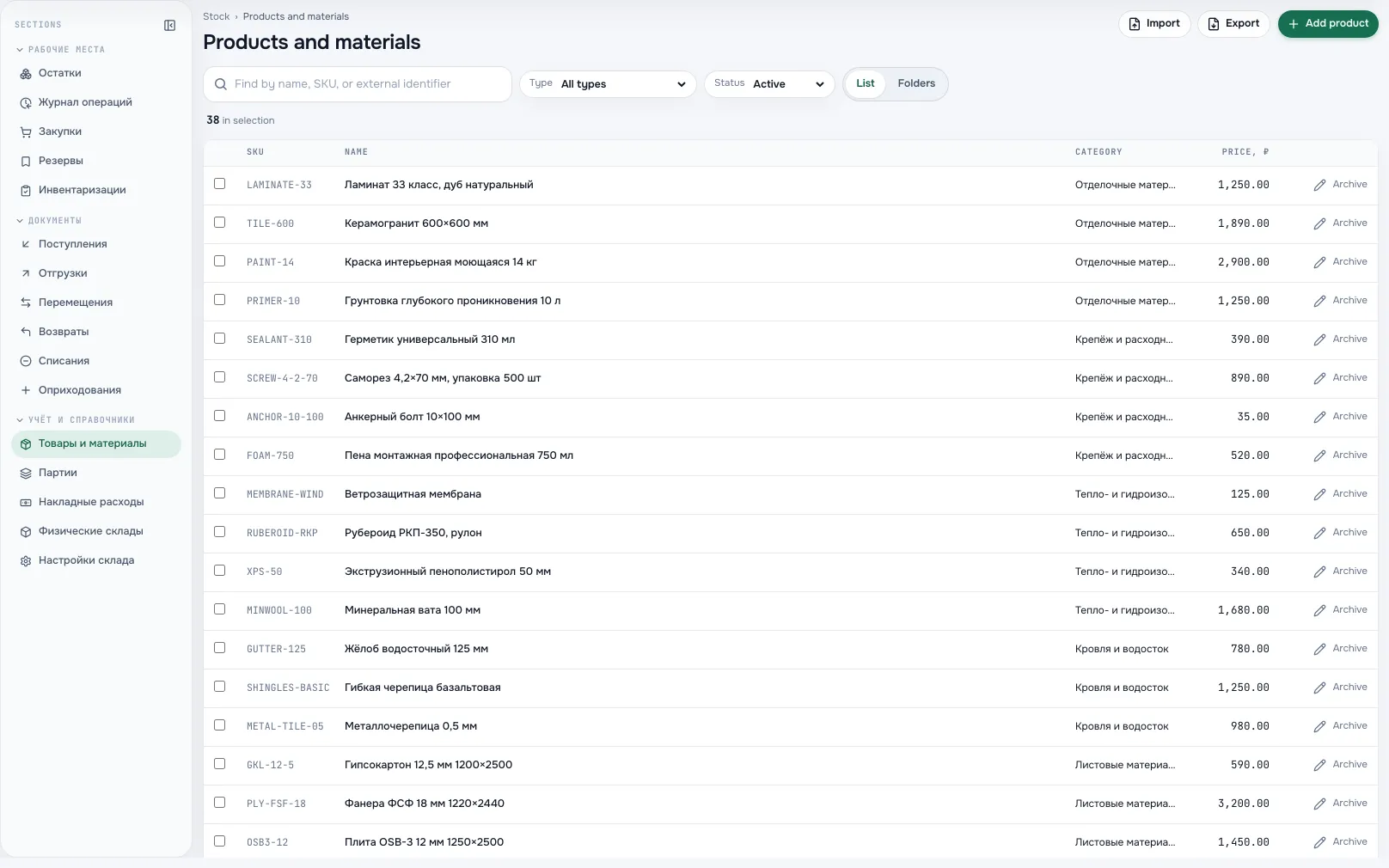
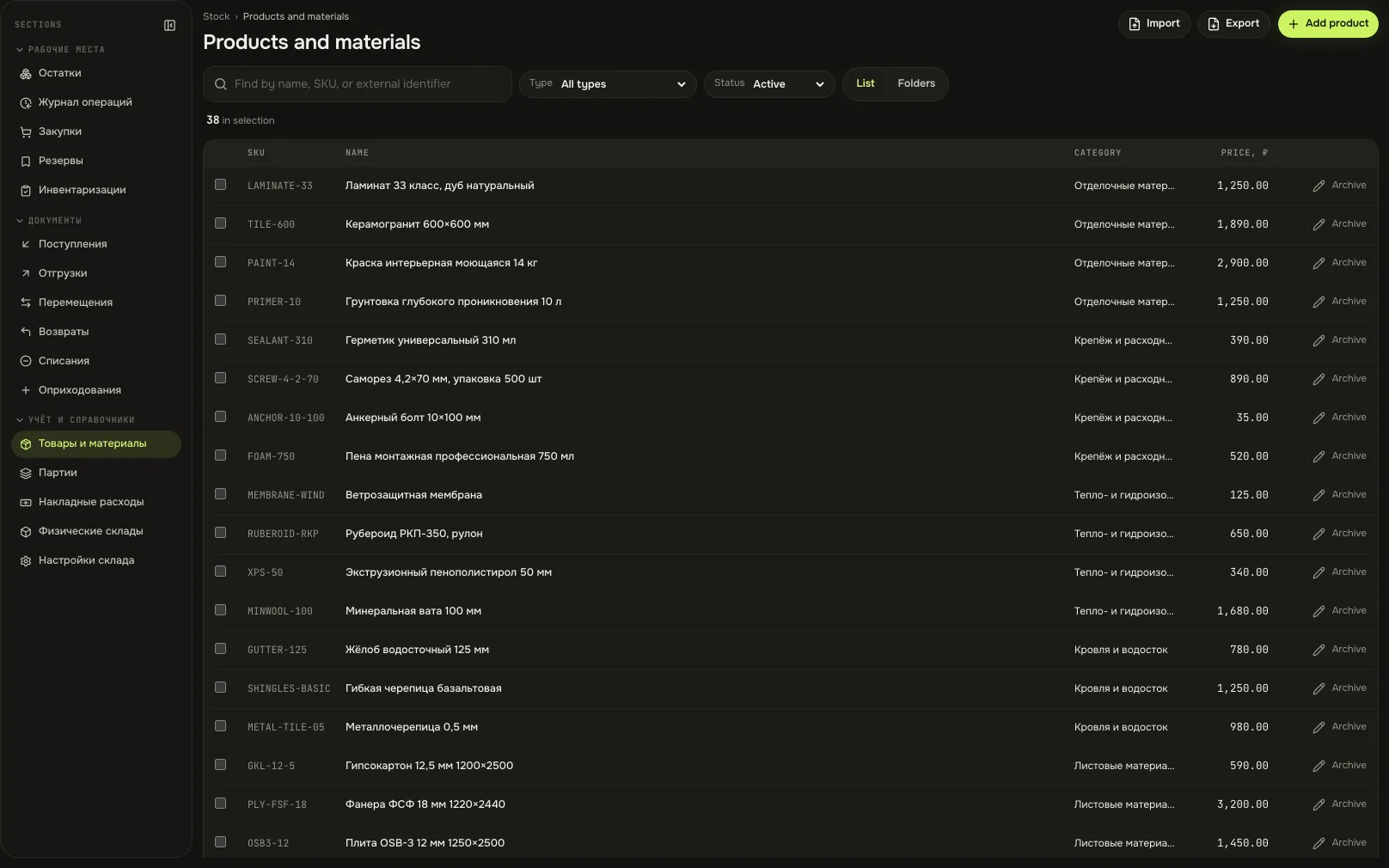
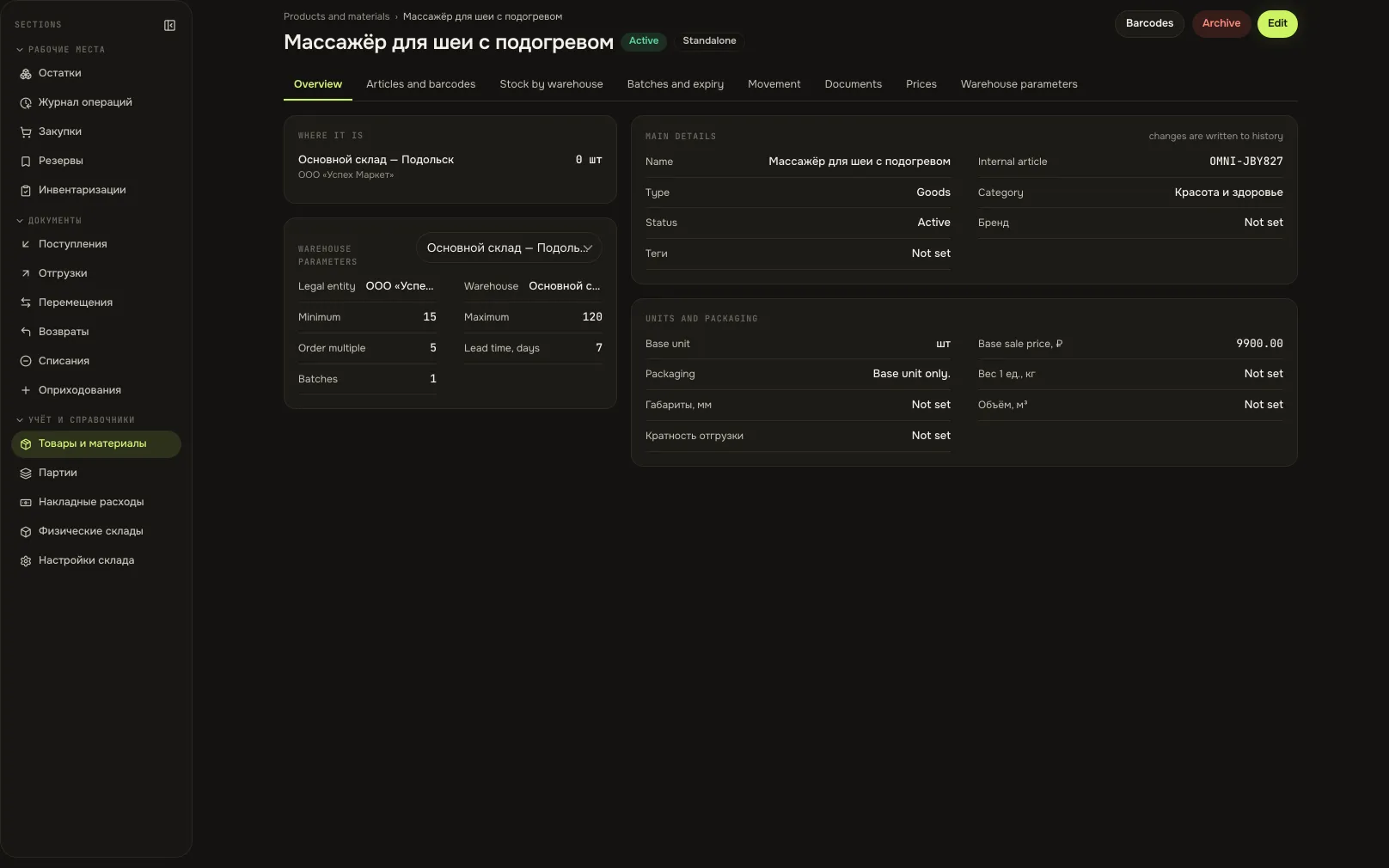
Products and materialsA screen from an Akeda ERP workspace -
02
Buying by calculation, not by feel
- Available is honest: customer reservations are subtracted, incoming deliveries are counted in.
- A replenishment rule holds the minimum, maximum, order multiple and lead time per warehouse.
- Request becomes order, order becomes receipt, and every step tracks its own remainder.
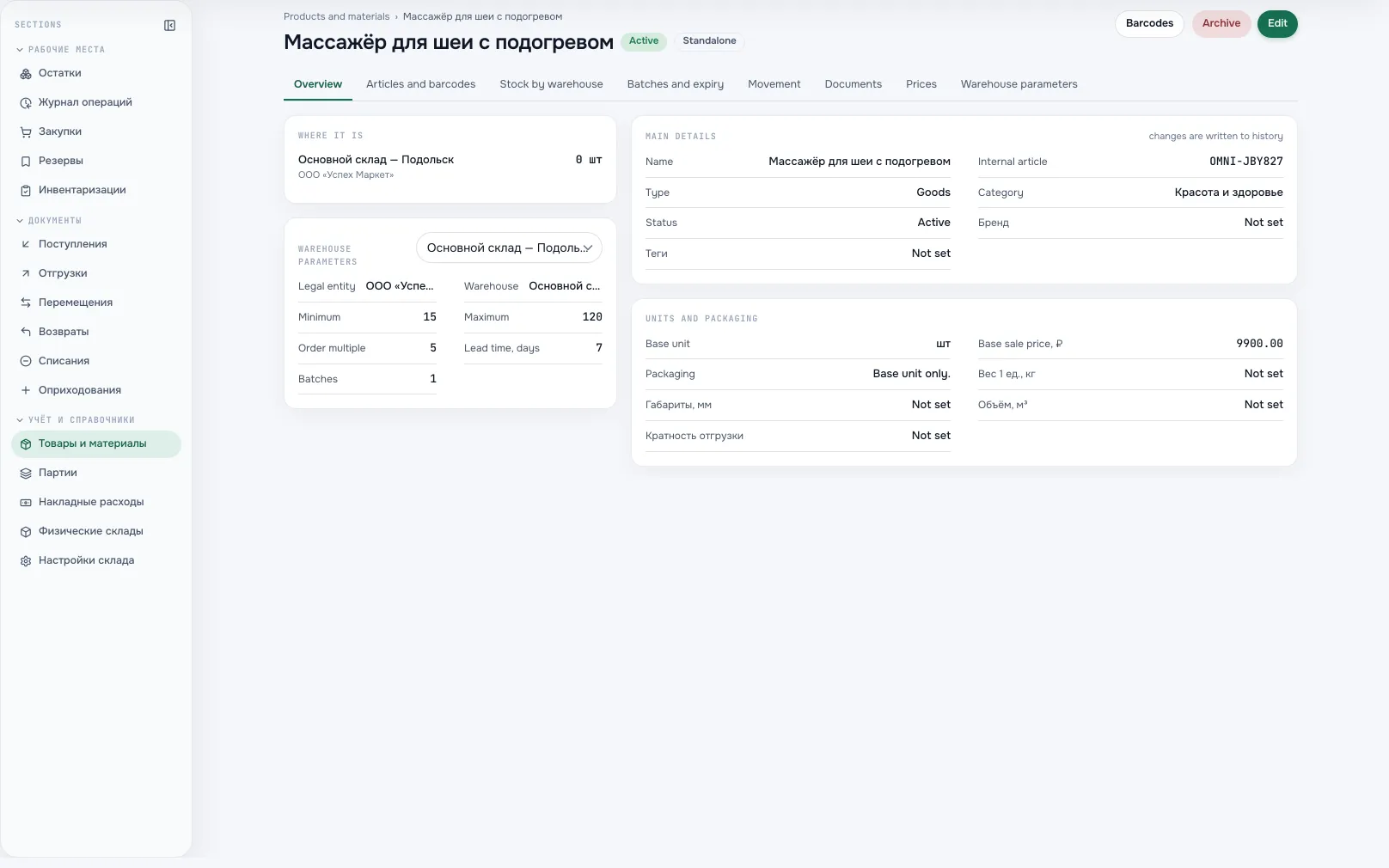
Purchasing card of a productA screen from an Akeda ERP workspace -
03
Batches, shelf life and value
- Issues take the nearest expiry date first, then fall back to order of receipt.
- A batch carries its own value: a partial issue takes a proportional share, without rounding.
- The batch journal shows live quantity, value and the document that created the batch.
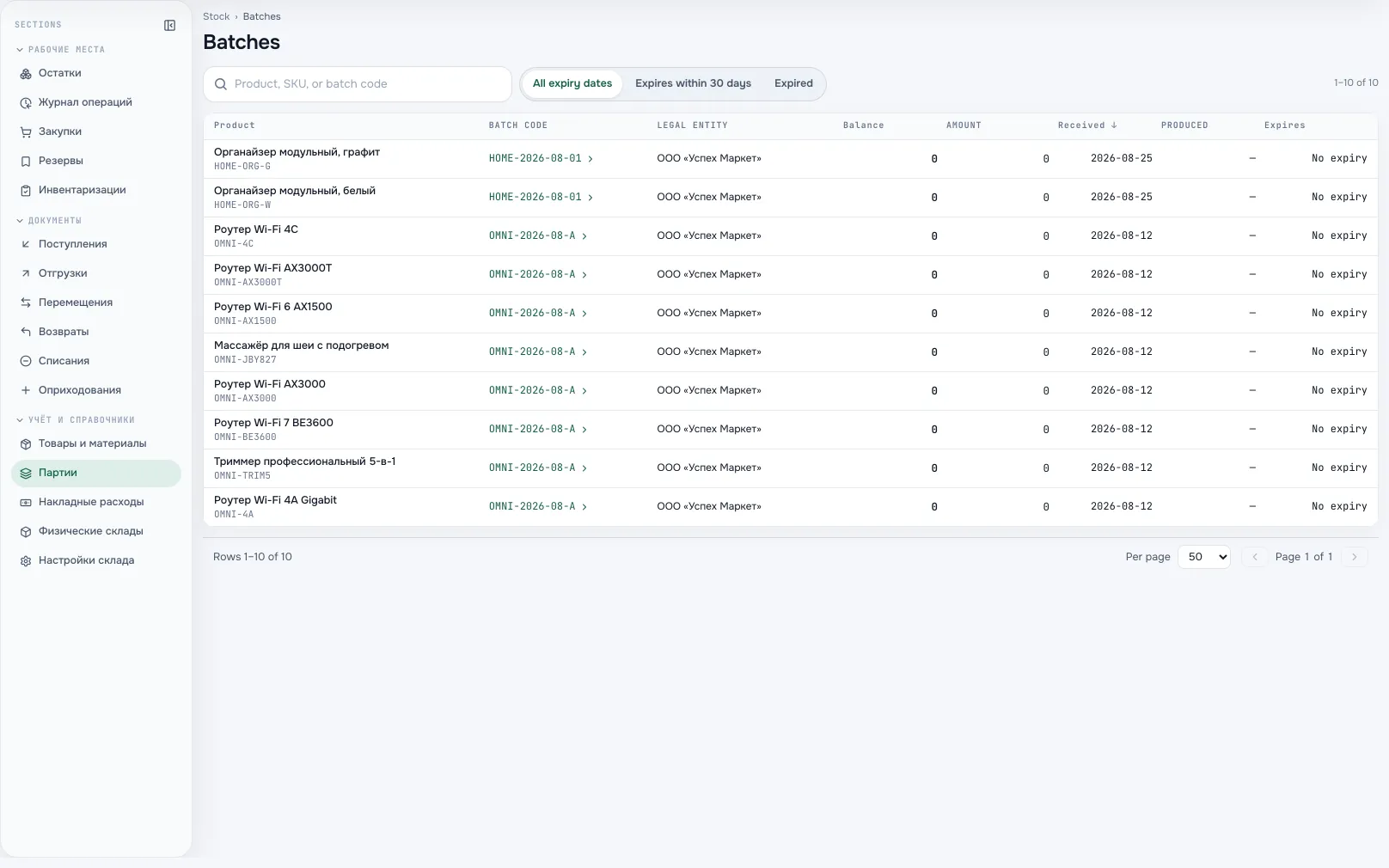
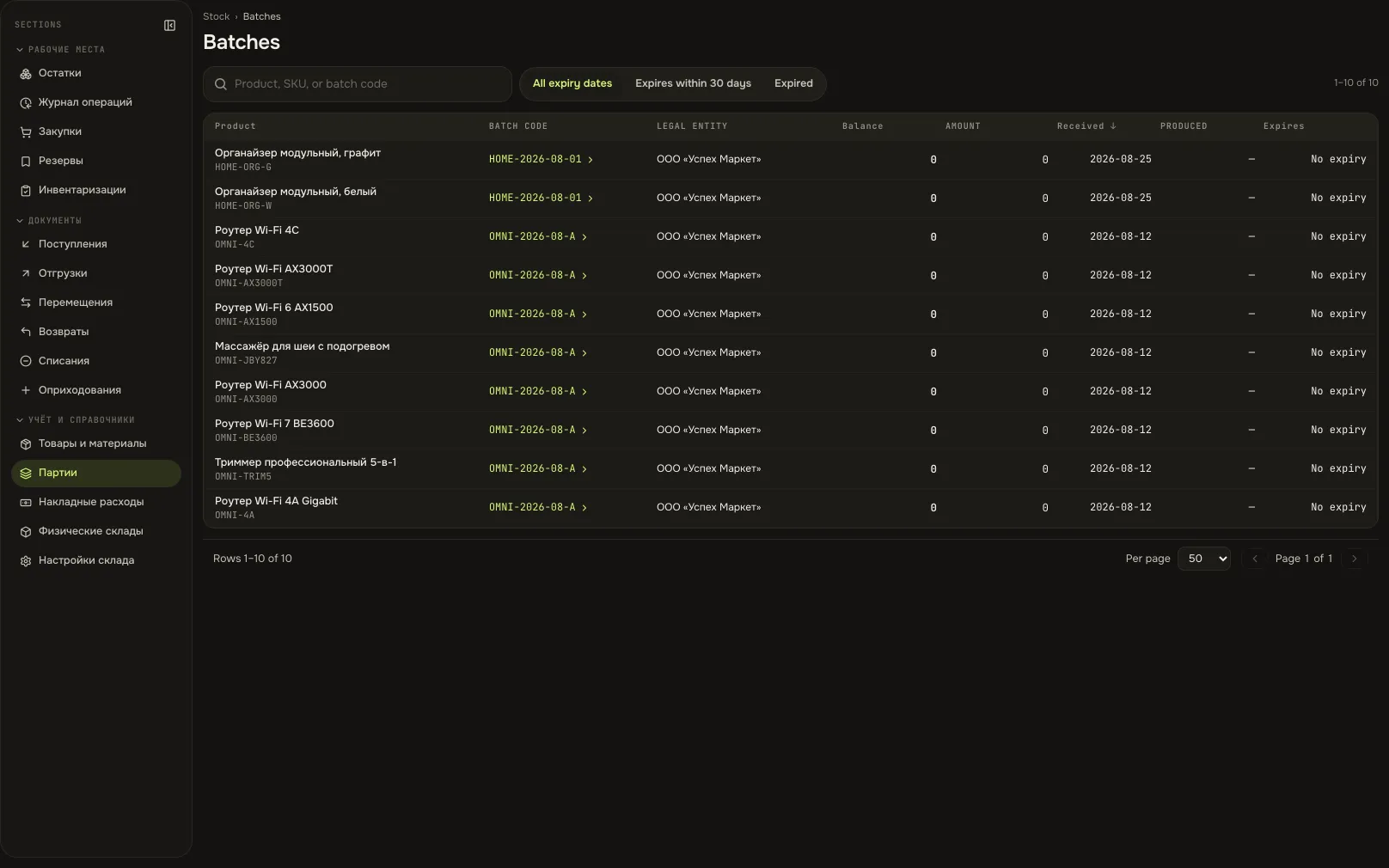
Batch journalA screen from an Akeda ERP workspace -
04
A count that does not argue with the ledger
- The snapshot is atomic: no posting slips between it and the count sheet.
- The count is blind: the storekeeper enters what is there, not what the system expects.
- Discrepancies become separate write-off and capitalisation documents, never an edited number.
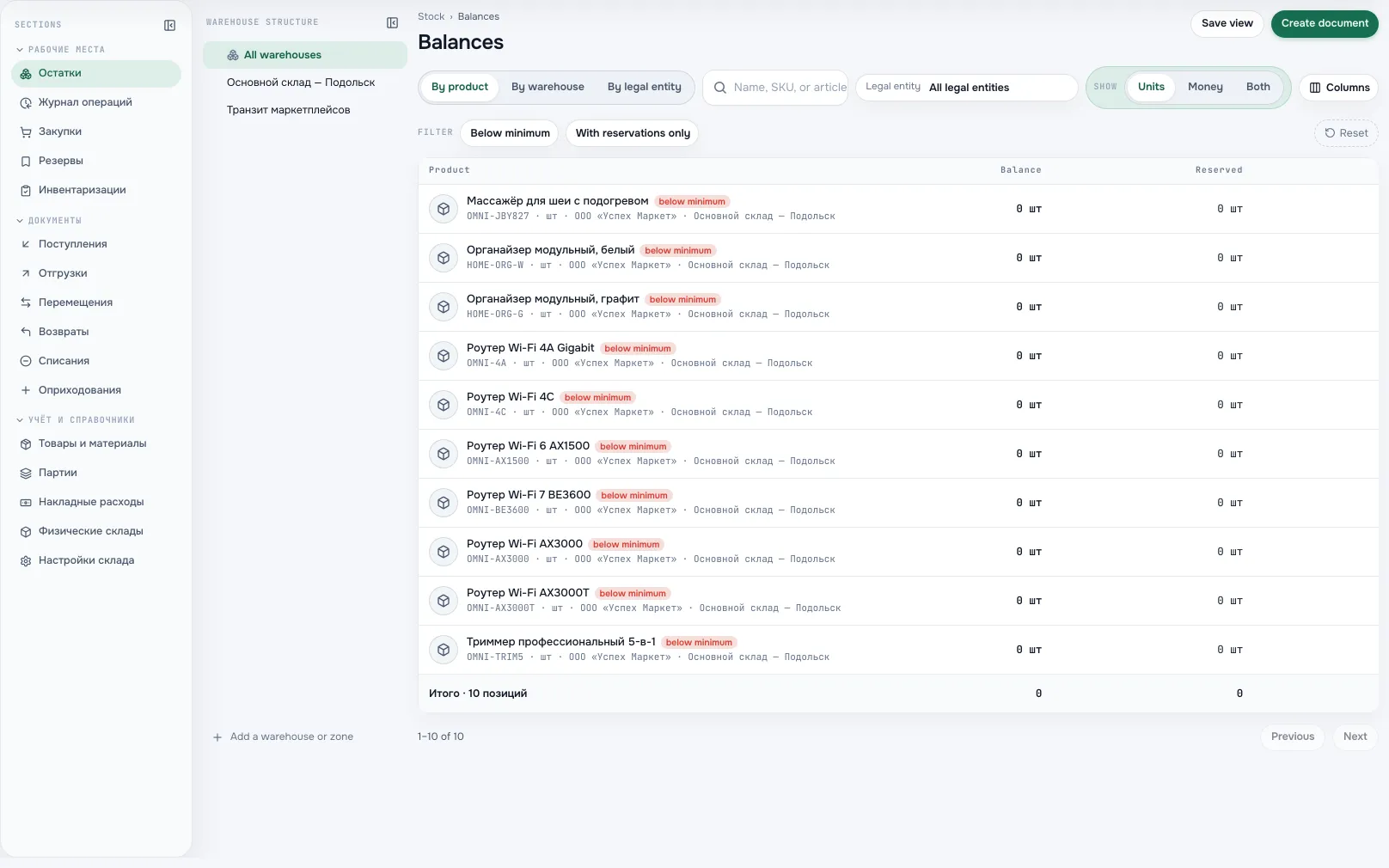
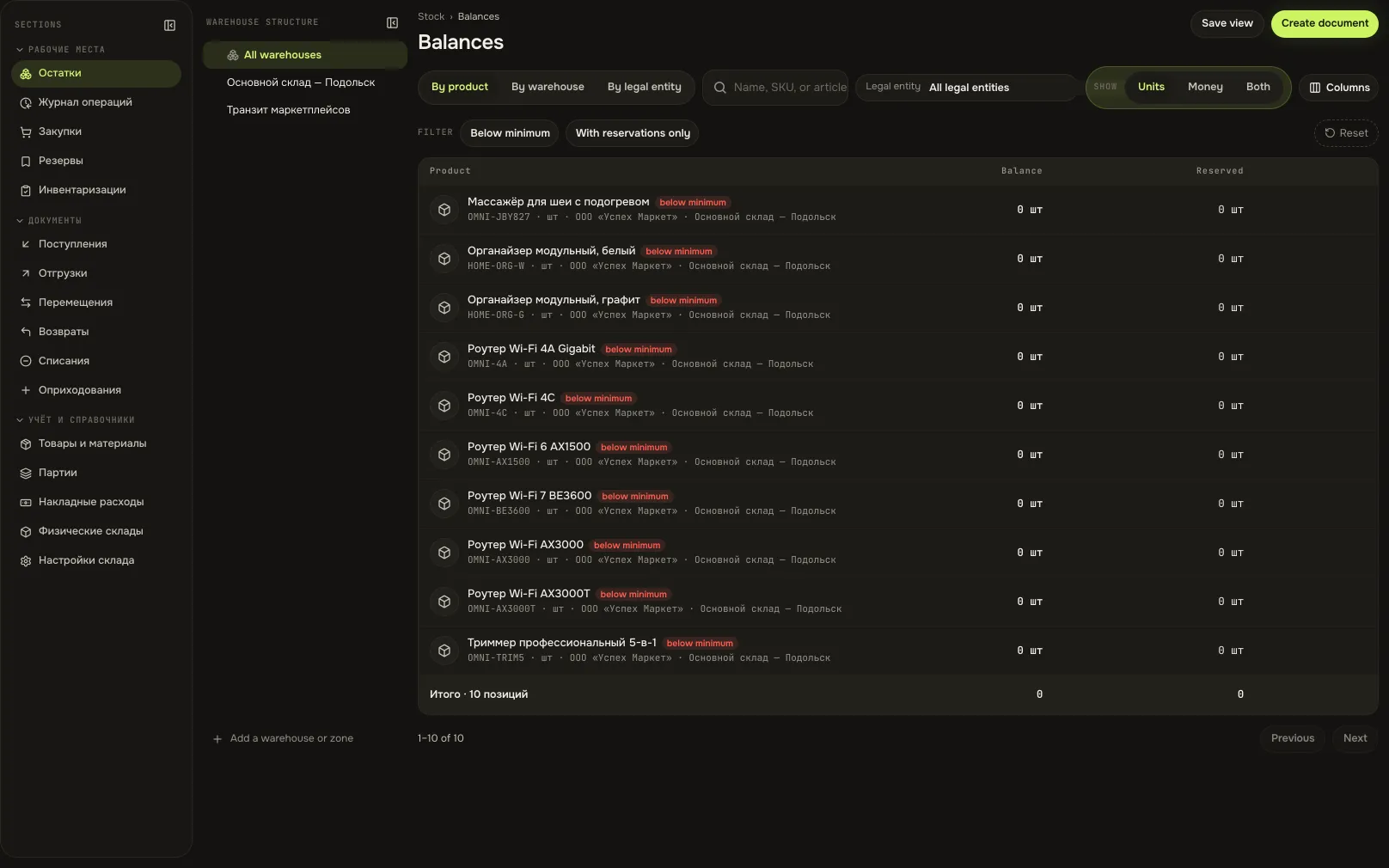
Stock levels by warehouseA screen from an Akeda ERP workspace
03One day with the module
- 08:30
Delivery at the gate
The storekeeper enters actual quantities. The receipt closes part of the order, the rest stays expected, batches and dates are kept.
- 10:00
Reserved for a customer
A manager holds goods for a shipment. Available drops immediately, and another shipment can no longer take those units.
- 12:15
Order to the supplier
The purchasing view showed a shortfall against the replenishment rule. The order came from an exact request line, respecting multiples and maximum.
- 16:40
Shipment
Posting issues batches by expiry and moves value to goods shipped. It becomes an expense together with the sale.
- 31st
Stocktake
A blind count, reconciliation against the snapshot, adjustment documents for the gaps. Stock and finance close the month on one number.
04Works together with
- financeFinance
Receipts and shipments land on the balance sheet and in cost of sales by themselves — no stock-to-ledger reconciliation.
Learn more - CRMCRM
A won deal registers the customer in the directory, and the shipment is issued to that same counterparty.
Learn more - integrationsIntegrations and API
Balances, purchasing and stock documents are available to an agent — within the permissions of whoever connected it.
Learn more - your moduleCustom module
Manufacturing or field service lives in your custom module, while materials and output stay on the shared stock.
Learn more
05In brief
MCP tools: akeda_go_stock_balance akeda_go_stock_lots akeda_go_core_products
Integrations: Spreadsheet import and export
06Questions
Stock
Does this replace a warehouse management system with bin locations?
Not entirely. You get warehouses and zones, batches, expiry dates, packaging with conversion factors and barcode scanning. Bin-level storage with picking routes is separate development for your specific warehouse.
How do we load opening balances?
Through a verifiable capitalisation draft, or by importing a table: XLSX, XLS, ODS, CSV, TSV. The preview shows what will be created and changed; one bad row stops the whole import.
How is cost calculated?
By the legal entity's policy: FIFO by default or moving average. Issues take the nearest expiry date first. The method cannot be changed while the entity still holds stock.
Goods have shipped but the sale is not recognised yet. What about profit?
A shipment moves value into goods shipped and recognises no expense. Cost reaches profit together with the sale, so one month does not close with a false loss and the next with inflated profit.
We have several legal entities in one warehouse.
A warehouse is linked to the entities you choose; an empty list means all active ones. Balances, documents and cost never mix between entities, even in collapsed report modes.
See Akeda
with your workflow.
Tell us what you want to connect or automate. We will show how the process could work in Akeda, what data it needs and where to start.
- 01Understand your needs
- 02Explore connected workflows
- 03Define the next step
Request received
Thank you! We have your number and will get in touch on the next working day.
What happens next: a short conversation about your process — what to connect, which data is needed and where to start. No sales pitch.