

All features · finance
Profit, cash and debt are three different numbers. You see all three.
Management accounting on double-entry bookkeeping: the profit report, cash flow and balance sheet are built from the same documents, so they always reconcile.
Finance in Akeda ERP is double-entry management accounting for owners and managers, complementing rather than replacing statutory bookkeeping: the accrual profit report, cash flow by your own items and the management balance sheet are all built from the same posted documents, so they always reconcile and any figure drills down to its source document. The payment calendar shows expected receipts, obligations and account balances weeks before a cash gap; statements from T-Bank, Tochka and Modulbank arrive over API, other banks are imported as files, and cash desks cover physical money. Accounting is multi-currency including crypto, with revaluation and FX differences, each legal entity is kept separate, and a whole-business switch consolidates without manual work.
- 3 reportsprofit, cash, balance sheet — from one database
- 0.00balance sheet difference: double entry allows nothing else
- 3 banksT-Bank, Tochka, Modulbank — statements arrive on their own
- ₽ $ € ₿multi-currency accounting, including crypto
01Who gets what
For the owner
“There is profit but no cash” — and no idea how much can be taken out.
The balance sheet shows where the profit sits: in stock, in customer debt or in the bank. Dividends follow ownership shares.
For the finance lead
Month-end means reconciling three spreadsheets, and the numbers still disagree.
Reports are not assembled by hand: every figure drills down to the document it came from.
For the manager
On the 25th it turns out there is not enough for payroll.
The payment calendar shows the gap weeks ahead, while it can still be closed.
02Key points
-
01
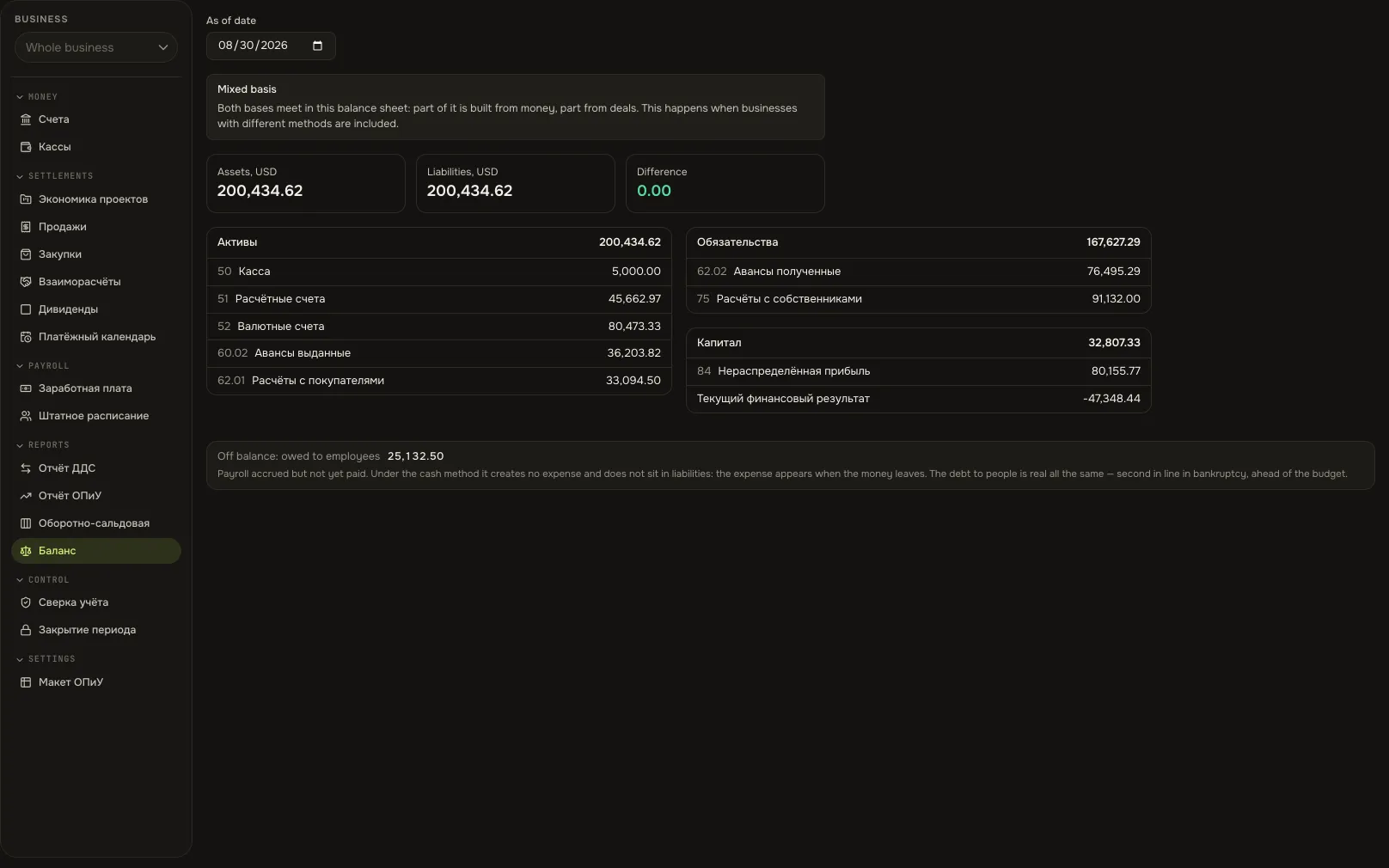
A balance sheet that reconciles itself
- Double entry underneath: every operation has two sides, so assets always equal liabilities plus equity.
- Any figure in a report drills down to its document — a receipt, a shipment, a payment.
- View the balance sheet per legal entity or for the whole business with one switch.
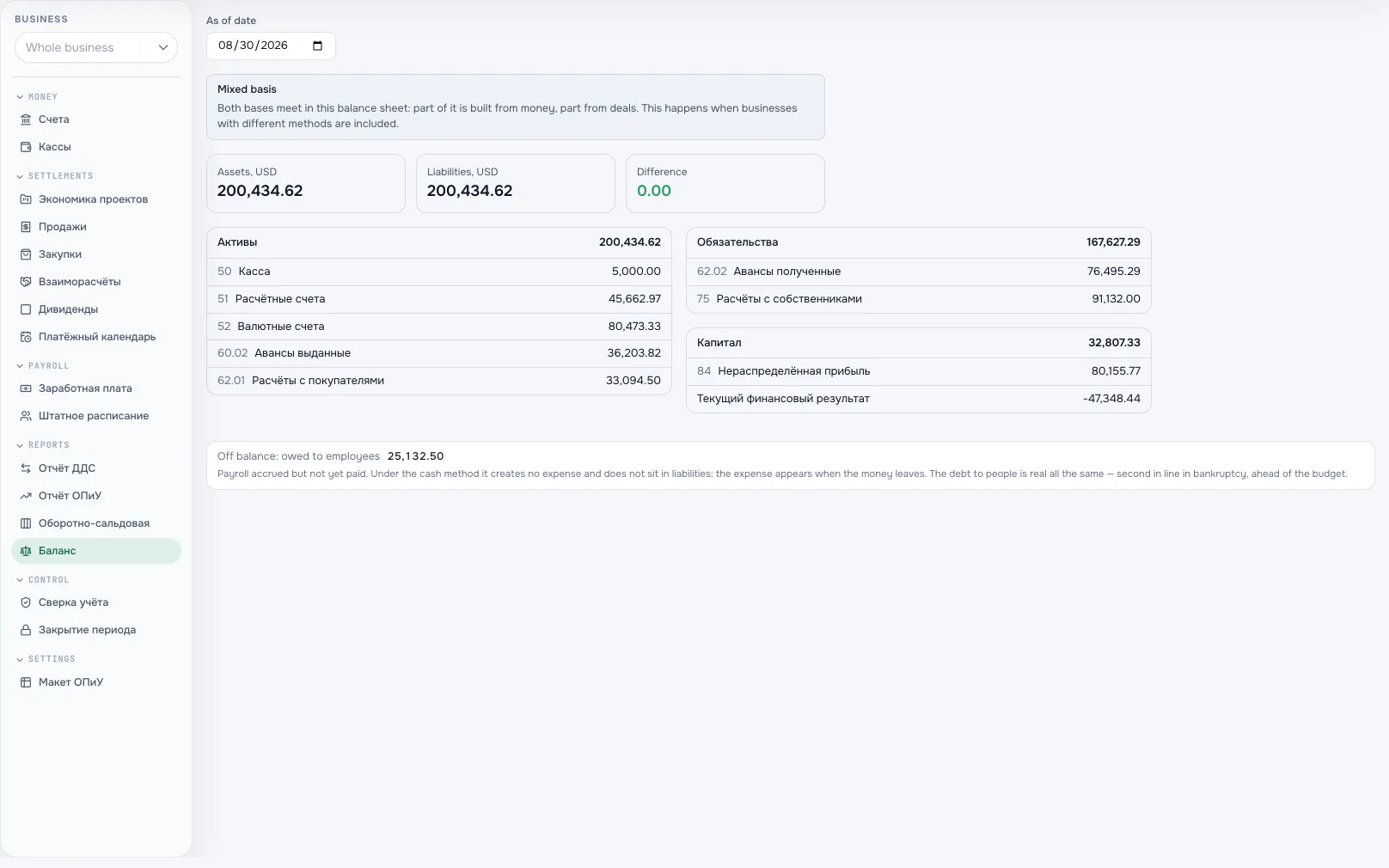
Management balance sheetA screen from an Akeda ERP workspace -
02
Profit is not the bank balance
- The profit report uses accrual: a recognised sale is profit even if payment comes later.
- Cash flow shows where the money went, by categories you define yourself.
- Customer and supplier advances and debts are shown separately, with partial payments.
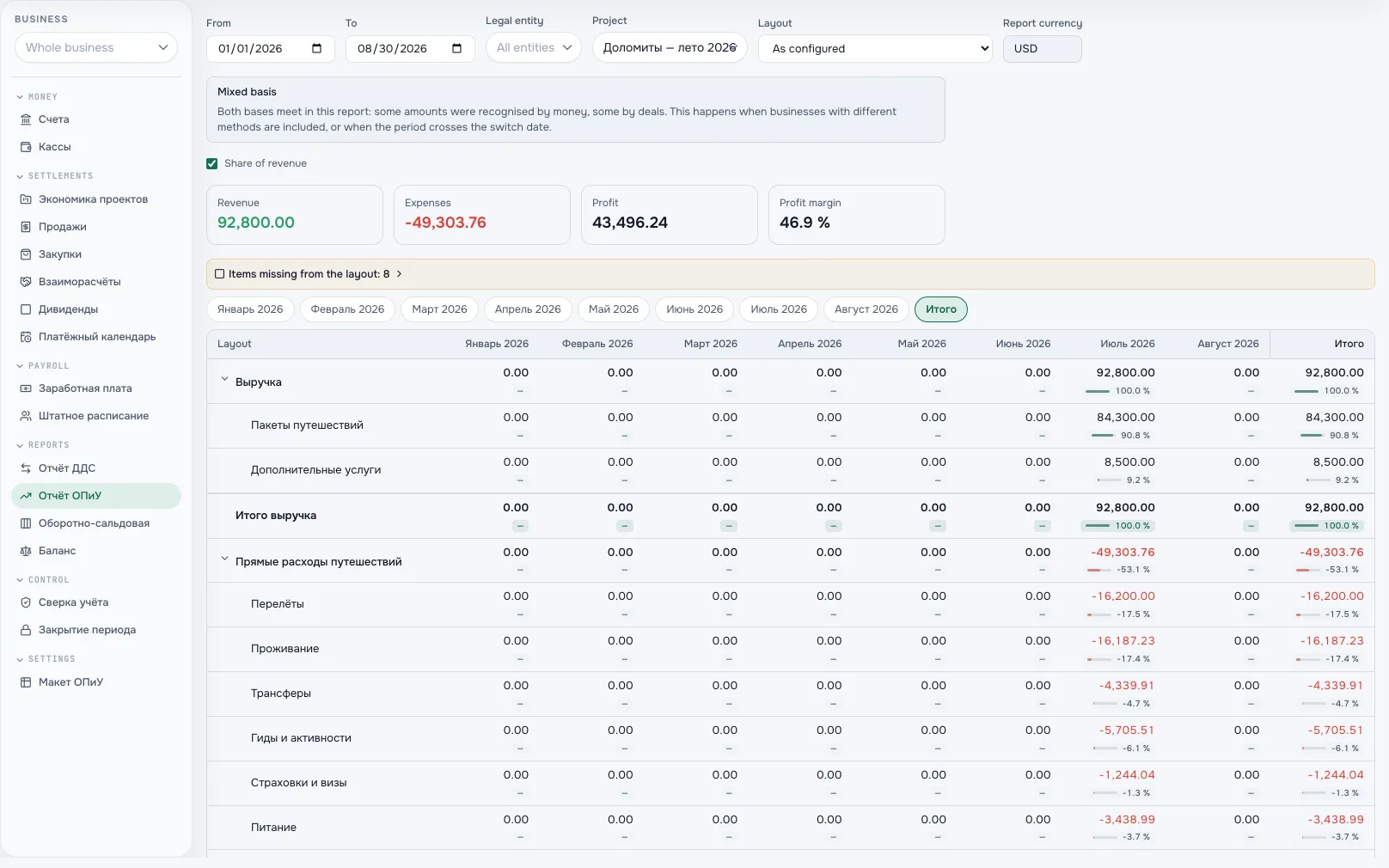
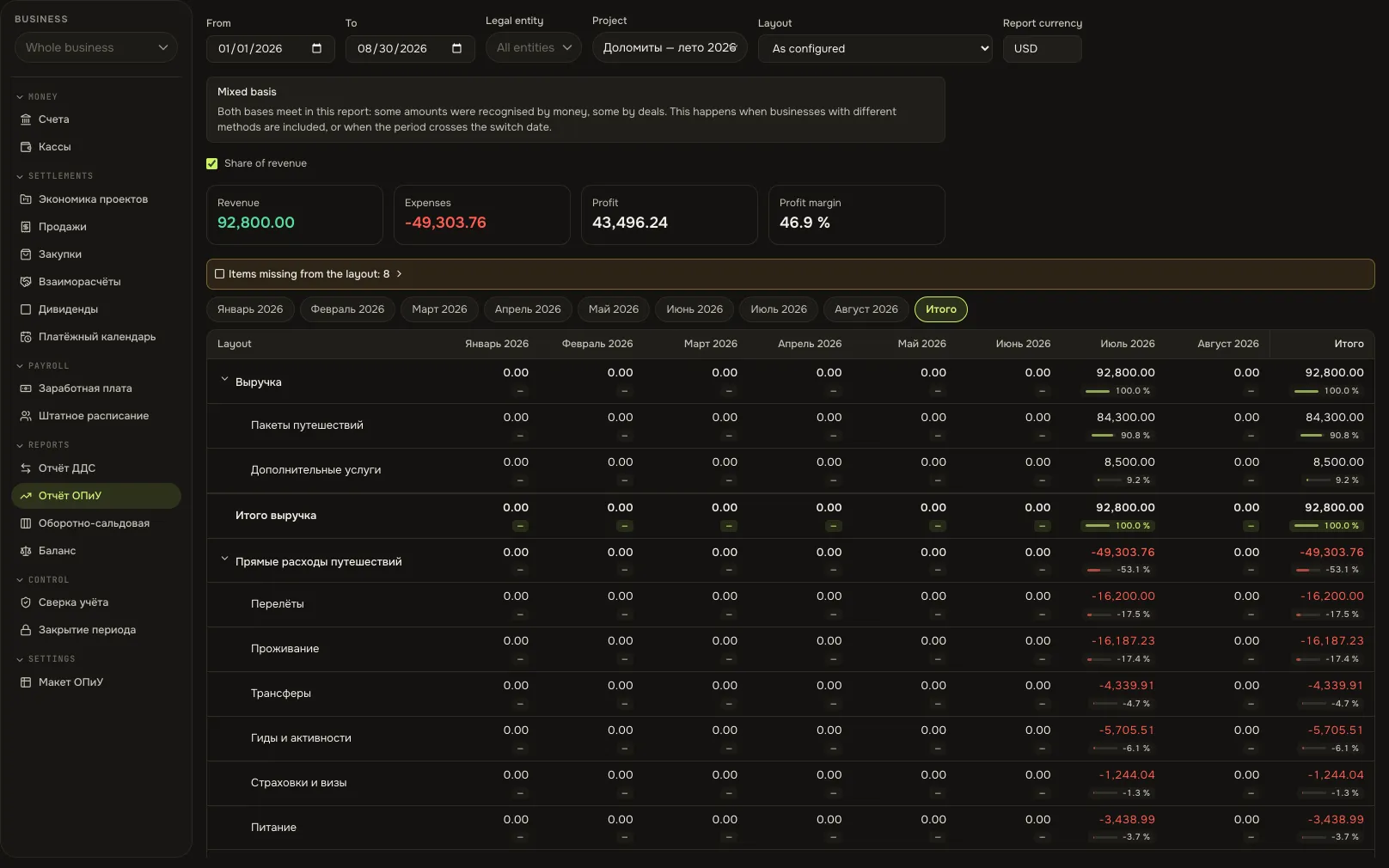
Profit reportA screen from an Akeda ERP workspace -
03
The bank comes to you
- T-Bank, Tochka and Modulbank connect via API: statements arrive without exports.
- Transactions are categorised, and each one has a person responsible for review.
- Any other bank — by statement file. Cash — via cash desks with the same reports.
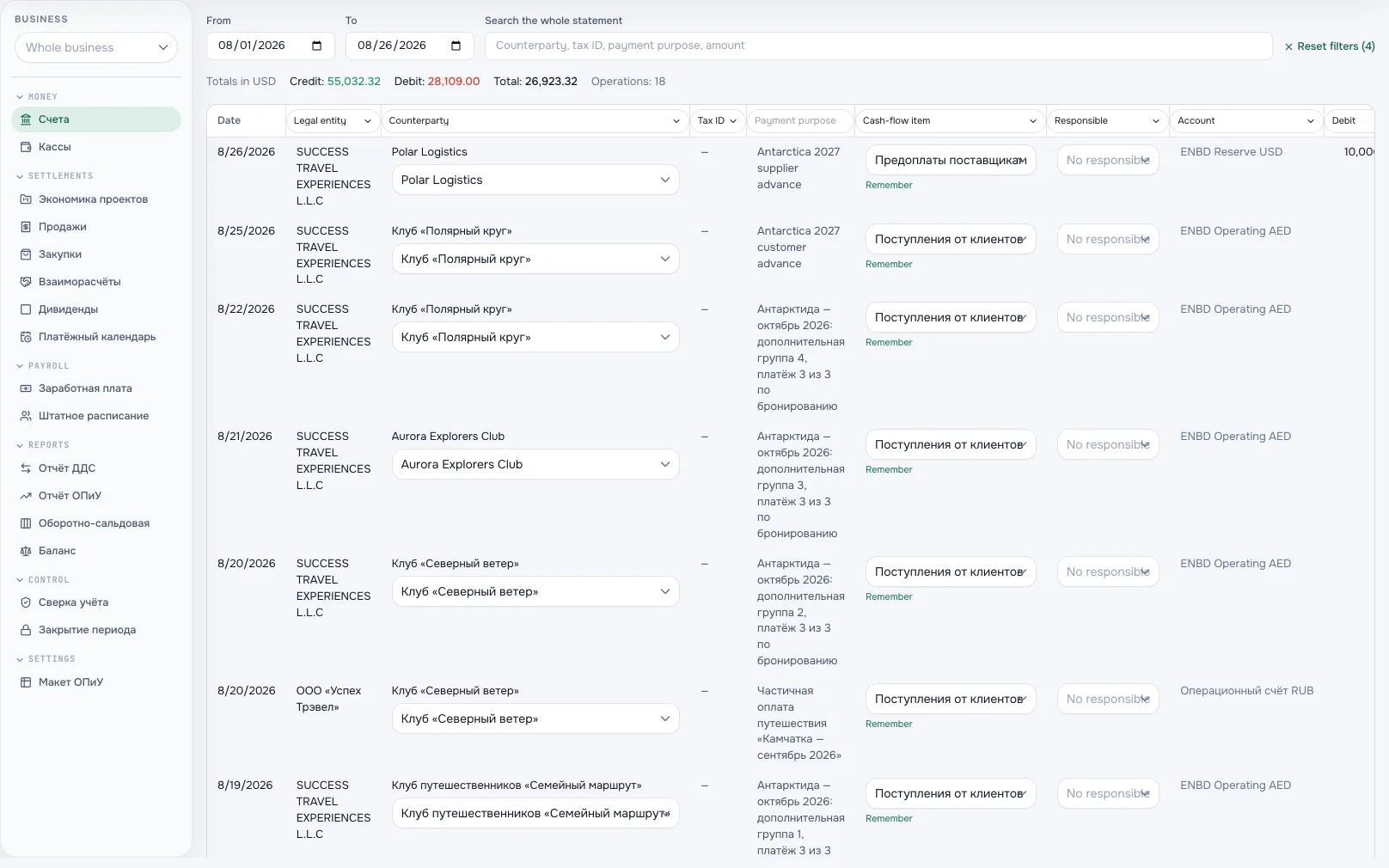
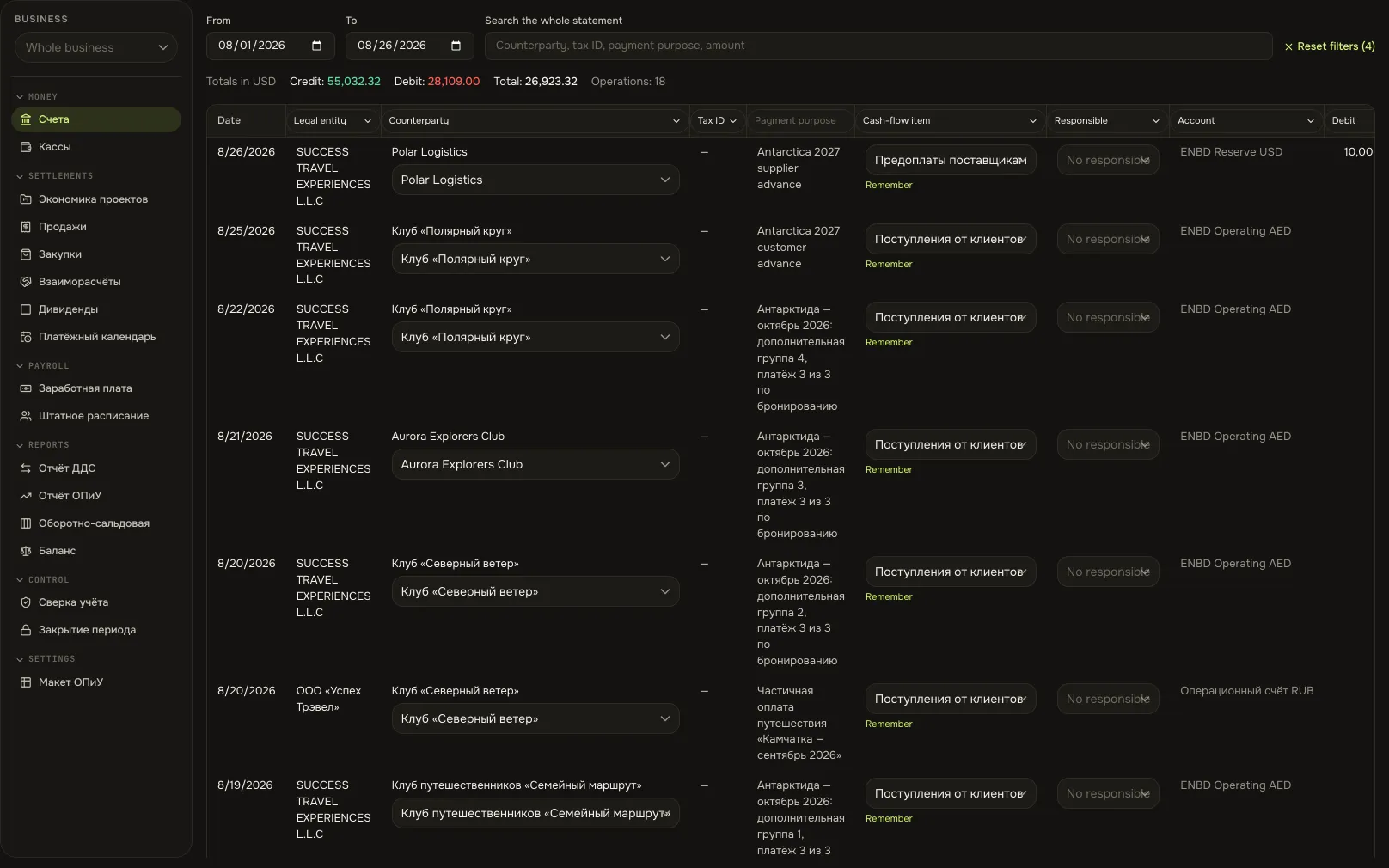
Bank transactionsA screen from an Akeda ERP workspace -
04
Cash gaps visible weeks ahead
- The payment calendar gathers expected receipts, obligations and account balances.
- Plan is compared with actuals: you see who is paying late and what it means for outgoing payments.
- Several currencies roll up into the accounting currency; revaluation and exchange differences are automatic.
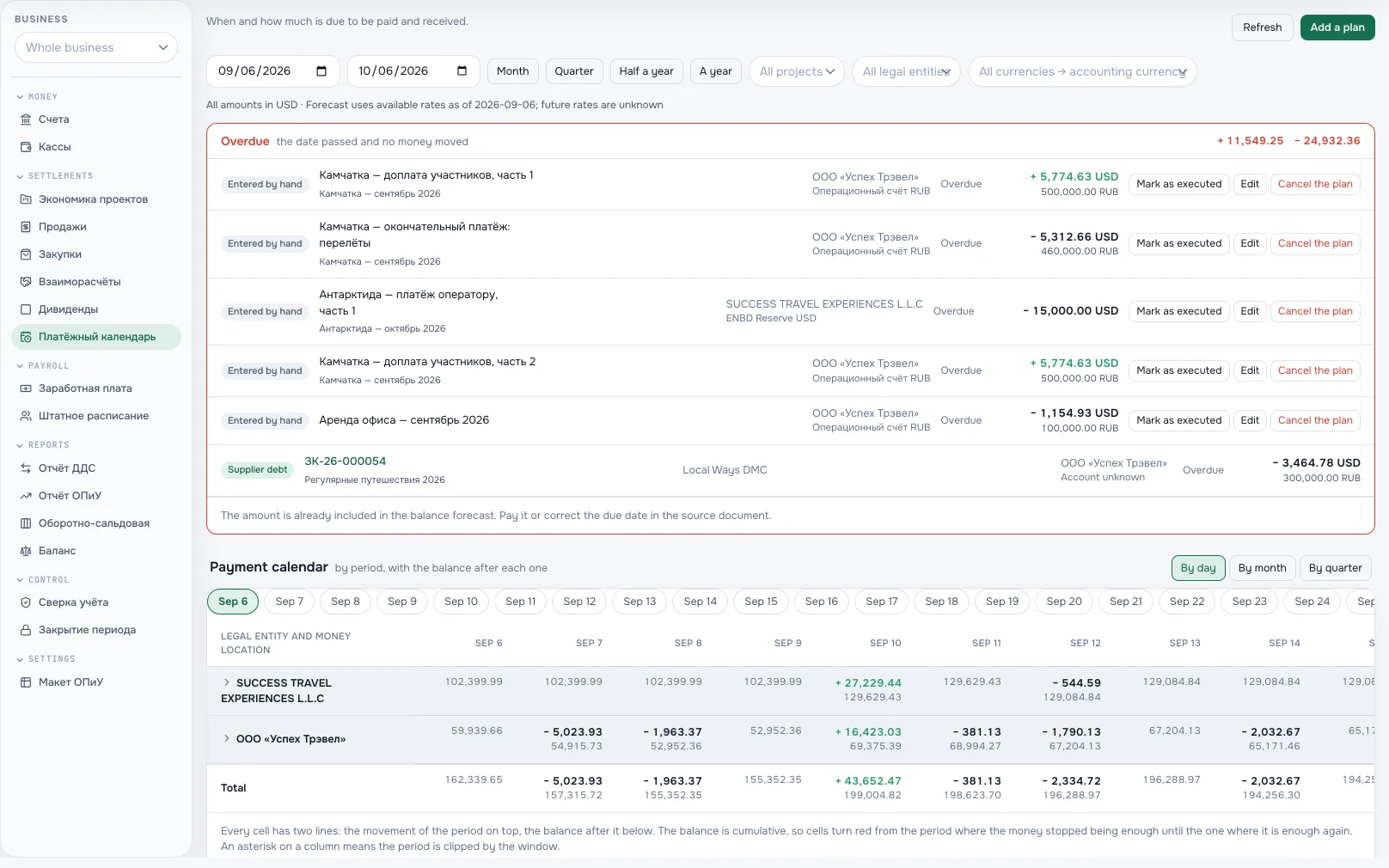
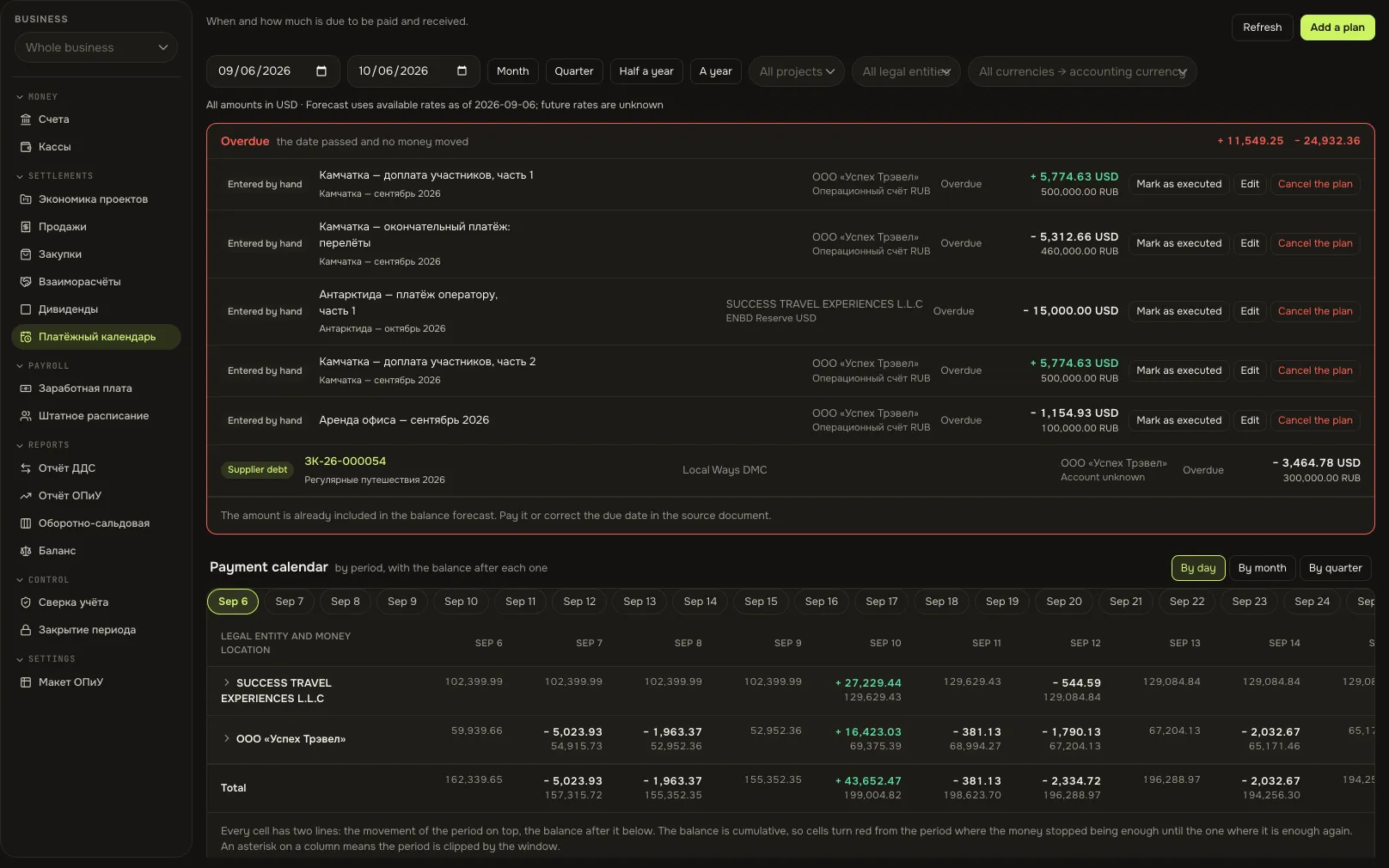
Payment calendarA screen from an Akeda ERP workspace
03One day with the module
- 09:00
Statements already in
Three banks synced overnight, transactions are categorised. The finance lead reviews only the new ones.
- 11:30
A manager posts a shipment
Cost of goods and the customer’s debt reach the reports on their own: the posting scheme set the account and category, not a person.
- 14:00
Calendar for the 25th
The manager sees that expected receipts cover the payments. One client is late — they get a reminder.
- 17:30
A question for the agent
The owner asks: “How much did we earn in August?” The agent answers with figures from the profit report, within its permissions.
- 31st
Month closed
The balance sheet reconciles with a 0.00 difference. There was no spreadsheet reconciliation — nothing needed replacing.
04Works together with
- stockStock
Receipts and shipments land on the balance sheet by themselves: stock on hand, supplier debt, cost of sales.
Learn more - CRMCRM
A deal becomes an invoice, the invoice becomes an expected receipt in the calendar and then a payment.
Learn more - tasks and calendarTasks and calendar
Project economics: budget, actual result and cash flow next to the tasks.
Learn more - integrationsIntegrations and API
Reports are available to agents via MCP: profit, cash and the trial balance on request.
Learn more
05In brief
MCP tools: akeda_go_finance_pnl_report akeda_go_finance_cashflow_report akeda_go_core_trial_balance
Integrations: T-Bank · Tochka · Modulbank
06Questions
Finance
Does this replace statutory accounting?
No. This is management accounting for owner and manager decisions. Statutory reporting stays with your accountant’s system; Akeda gives them confirmed documents and figures.
We have several legal entities. How does that work?
Each entity is kept separately with its own accounts, cash desks and balance sheet. The “Whole business” switch shows the consolidated picture without manual work.
Our bank is not on the list.
Upload a statement file: transactions are categorised by the same rules. API connections are added as clients ask for them.
How are currencies and crypto handled?
A transaction is stored in its original currency and converted to the accounting currency at the rate on that date. Balances are revalued; exchange differences go to the profit report.
What can an agent do with finance?
Read reports, find transactions, prepare payments — strictly within the permissions of the user it is connected as. Posting documents is done by a person or an explicitly allowed action.
See Akeda
with your workflow.
Tell us what you want to connect or automate. We will show how the process could work in Akeda, what data it needs and where to start.
- 01Understand your needs
- 02Explore connected workflows
- 03Define the next step
Request received
Thank you! We have your number and will get in touch on the next working day.
What happens next: a short conversation about your process — what to connect, which data is needed and where to start. No sales pitch.