

All features · integrations
Data arrives on its own, and the assistant stays inside your permissions
Ready-made connections bring in statements, documents, enquiries and calendar availability. Everything else is open through the API and 591 MCP tools — every call passes the same permission checks as a person in the interface.
Integrations and API in Akeda ERP combine ready-made connectors in four families — banks, electronic document exchange, customer channels and calendars — an open API mirroring what the screens do, and 591 MCP tools for compatible clients such as Claude and Codex. Every call passes the same permission checks as a human request: role, legal-entity access and row-level rules, so an agent never gets more than the employee who connected it. The built-in assistant answers by text and voice from workspace data, stops any change with an explicit confirmation card, and issuing or revoking scoped service keys is reserved for a person in a browser, while the exchange history shows every run, its result and the reason for a failure.
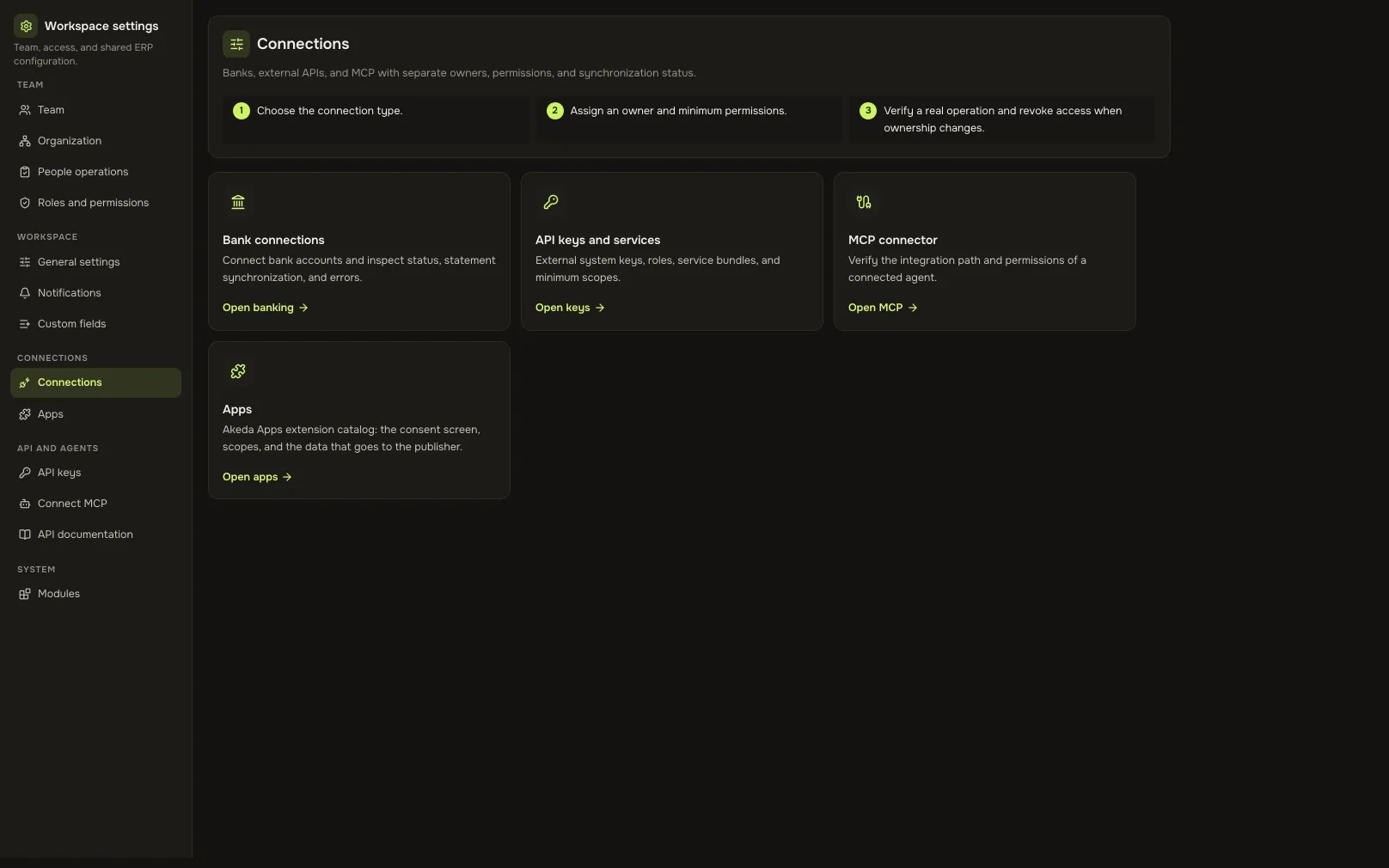
- 591 toolsthat many system actions are available to a compatible agent over MCP
- 4 familiesconnections for banks, e-documents, customer channels and calendars
- Human permissionsan agent gets nothing beyond the rights of whoever connected it
- 14 voicesthe assistant speaks back: thirteen Russian and one English
01Who gets what
For the manager
Getting one number means interrupting someone and waiting until the evening.
Ask the assistant by text or voice: it answers with cabinet data inside your permissions and shows where the figure came from.
For the developer
Every integration starts with begging for documentation and guessing at formats.
The contract description, the docs portal and downloadable artefacts live in the cabinet itself, and so does the key with the scopes you need.
For the administrator
Six months in, nobody remembers who or what is still connected to the system.
A list of connections with the last request and a disconnect button; issuing and revoking keys is available only to a person in a browser.
02Key points
-
01
An assistant that never writes silently
- Ask by text or voice: the answer comes from cabinet data, not general knowledge.
- Any change stops at a confirmation card: your explicit “yes” is what performs the action.
- The assistant only answers about work in Akeda and honestly declines everything else.
-
02
Your own agent connects itself
- Claude, Codex and other compatible clients connect to one address without being issued a key.
- A tool runs by calling the same public interface with a real person's permissions.
- The connection is visible in settings: client name, date, last request and a disconnect button.
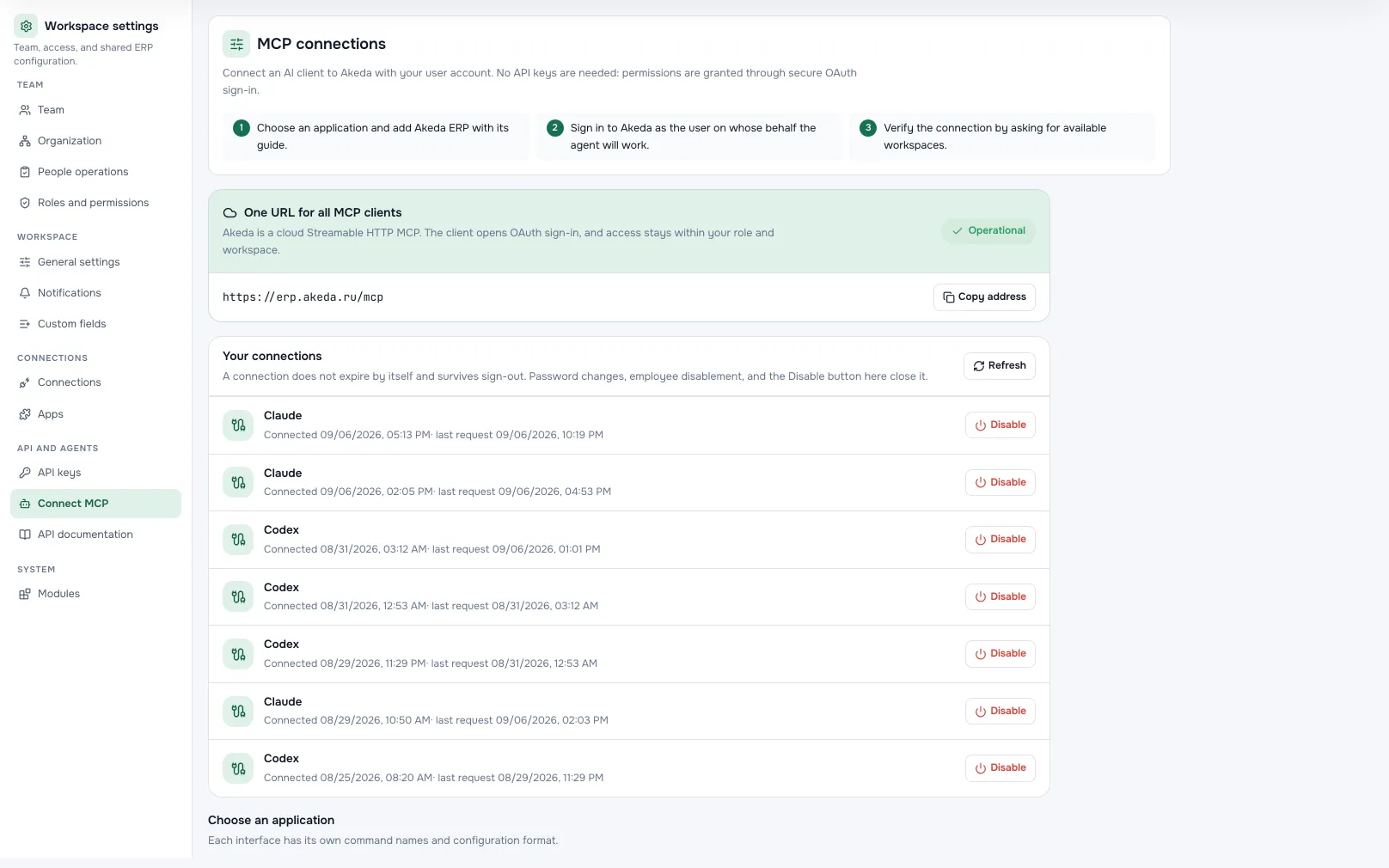
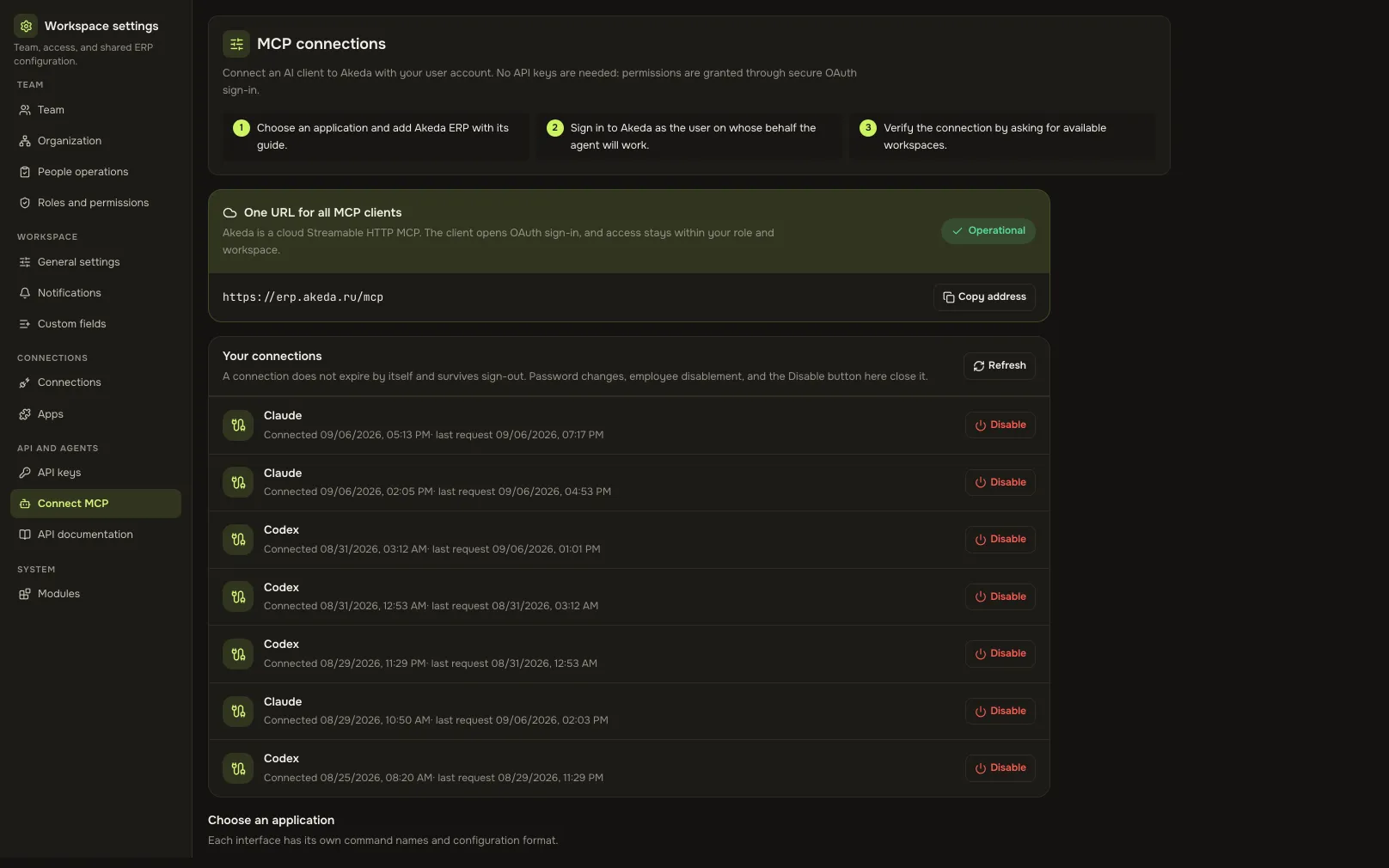
Agent connectionsA screen from an Akeda ERP workspace -
03
Keys with scopes, not blanket access
- A service key receives only the scopes you pick, never the whole cabinet.
- The scope list is built from the modules you have enabled, so nothing extra appears.
- Issuing, revealing and revoking a key is accepted only from a person's browser session.
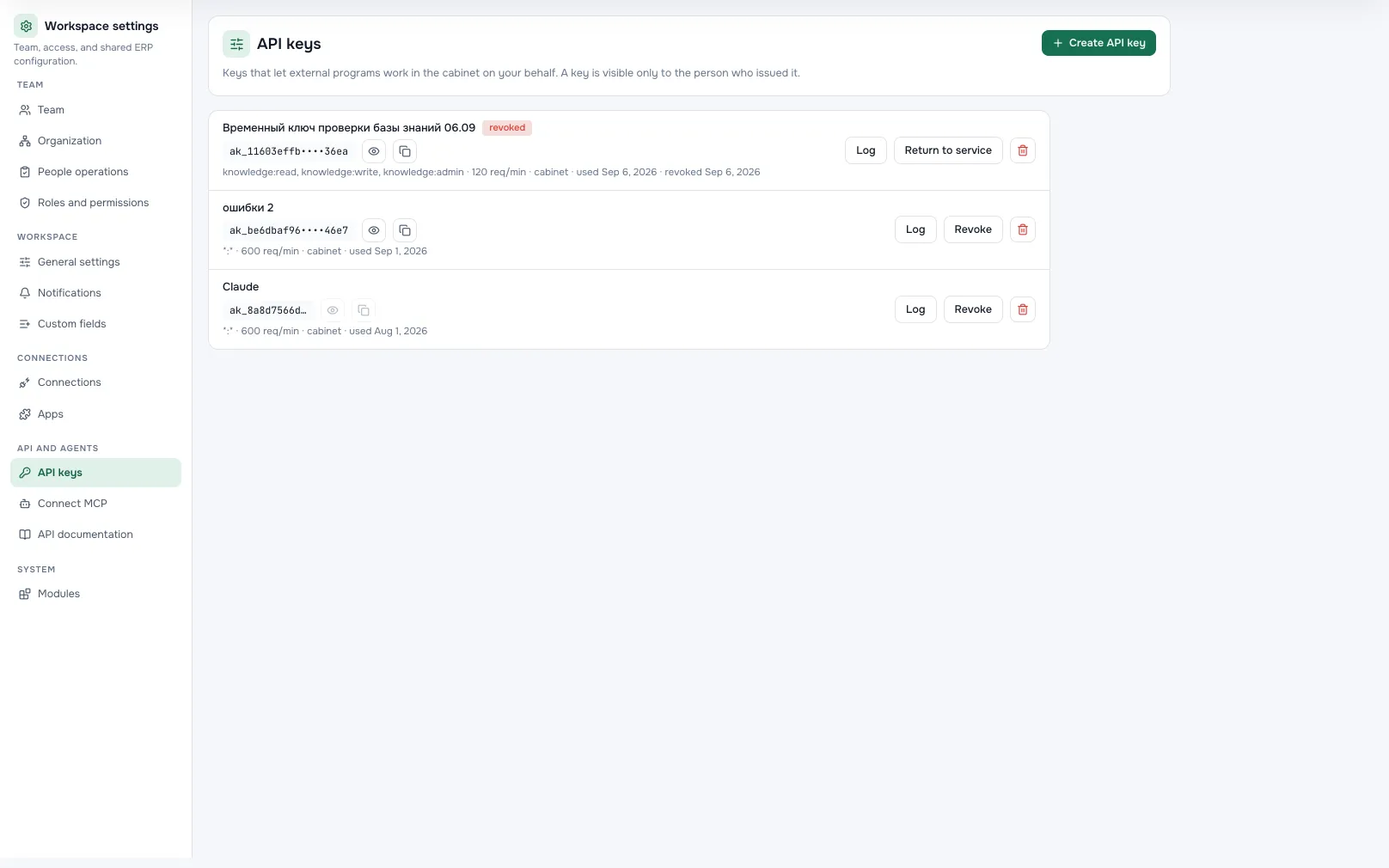
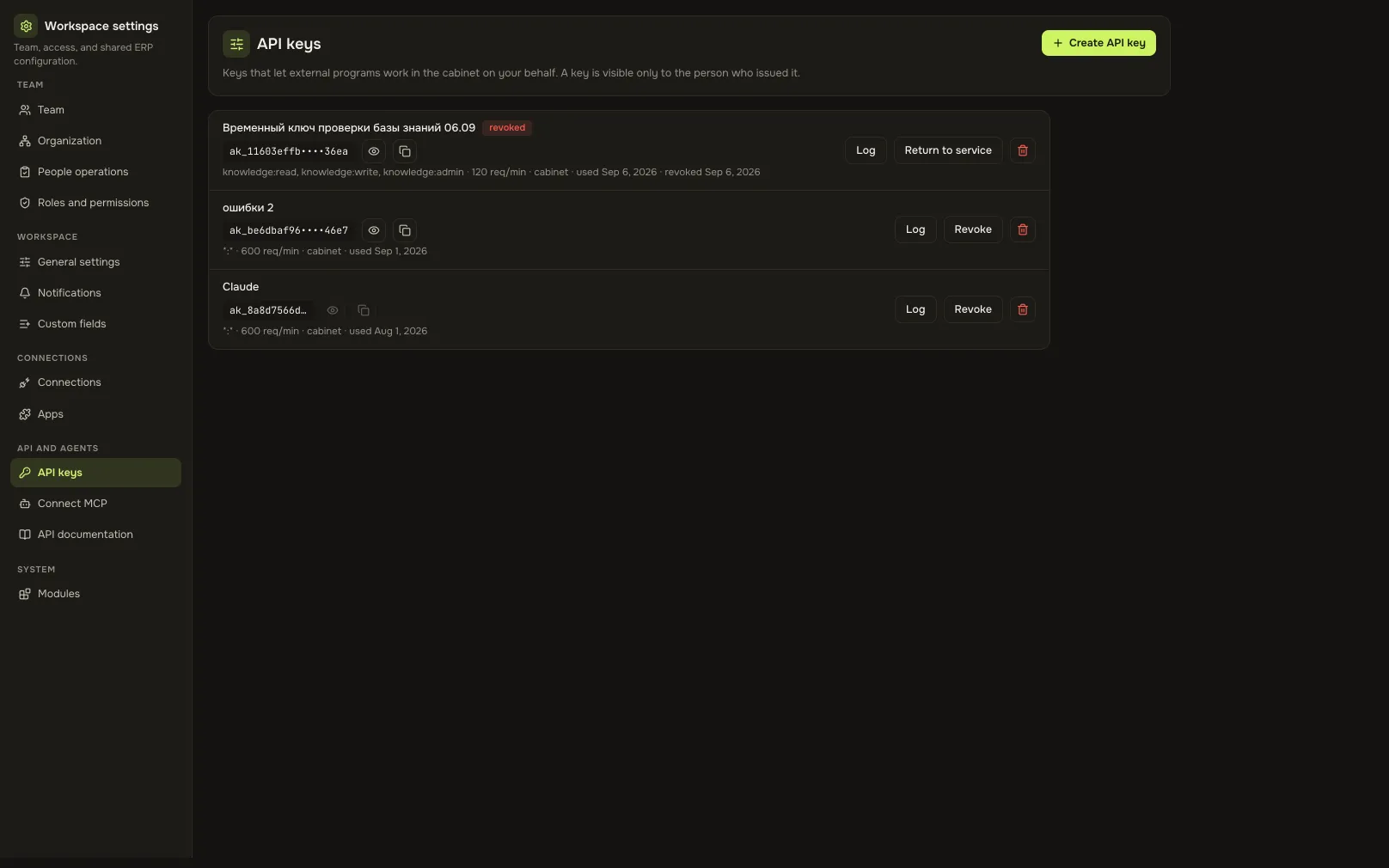
Access keysA screen from an Akeda ERP workspace -
04
You can see what actually happened
- The exchange history shows each connection run, its result and the reason for failure.
- Every connection has its own settings, status and a person responsible for review.
- An outage on the other side breaks nothing: the exchange repeats once it is fixed.
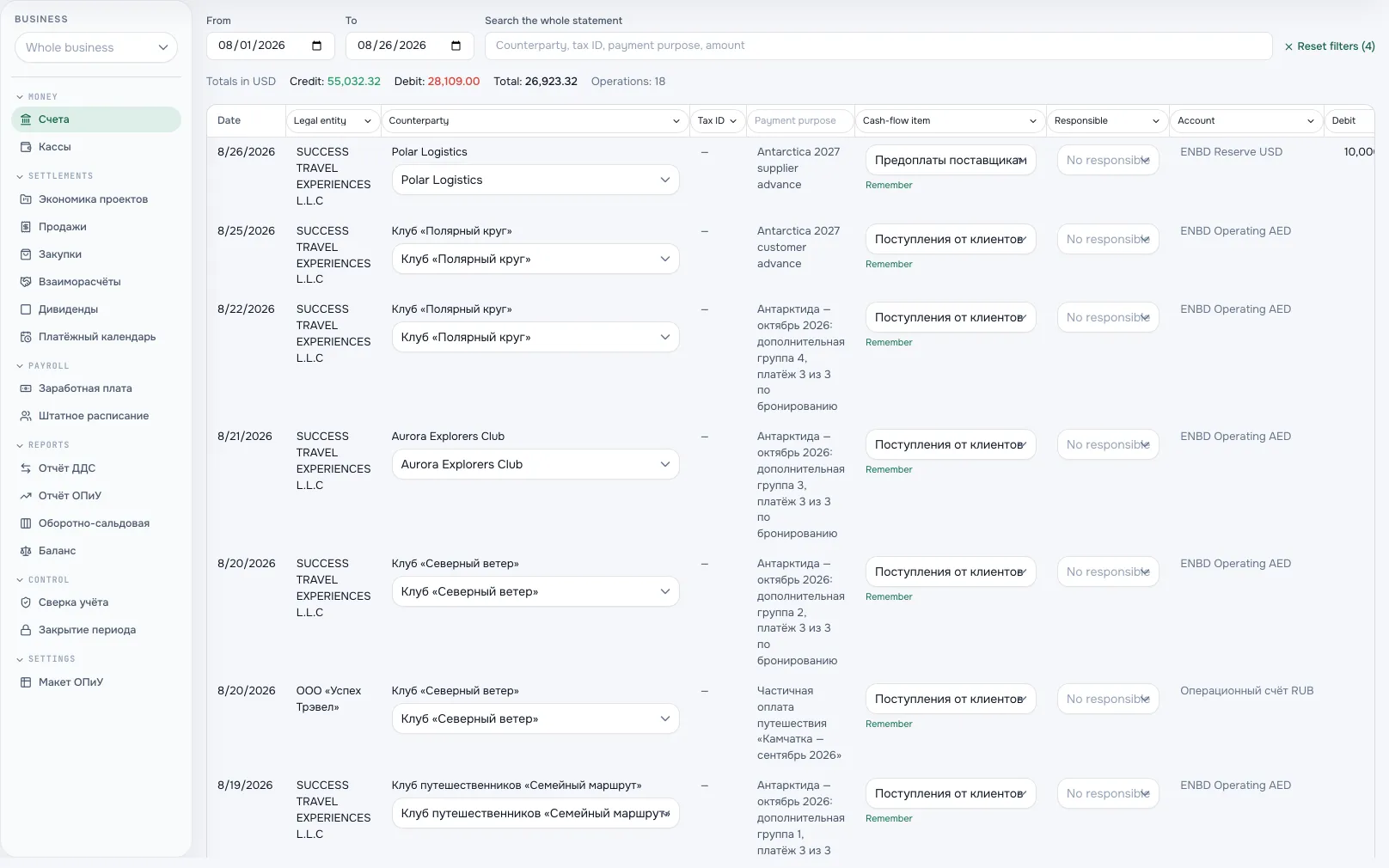
Bank statement from a connectionA screen from an Akeda ERP workspace
03One day with the module
- 07:00
The overnight exchange
Banks sent statements, the operator sent incoming documents, calendars refreshed availability. Nobody exported anything by hand.
- 09:30
A question by voice
On the way in, a manager asks what is overdue for the team. The assistant answers aloud, with data that person may see.
- 11:00
A confirmation card
The assistant offers to create a task and shows the full content of the action. One “yes” and the task exists in your name.
- 14:20
A script of your own
An analyst pulls stock balances with a read-only scoped key. No employee password ever reaches the script.
- 17:45
An agent in the editor
A developer connects their own agent and works with cabinet data from a familiar environment — strictly within their permissions.
04Works together with
- financeFinance
Bank connections pull statements in on their own, and an agent reads the profit and cash reports on request.
Learn more - CRMCRM
Telegram, VK and MAX arrive as enquiries in the shared queue and inside the deal card.
Learn more - knowledge and filesKnowledge base and files
The assistant finds the answer in your knowledge base and shows the page it came from.
Learn more - your moduleCustom module
A custom module's operations are published in the same API and become tools for your agent.
Learn more
05In brief
MCP tools: akeda_go_capabilities akeda_go_runtime akeda_go_agent_guide
Integrations: API · MCP
06Questions
Integrations and API
Will an agent see more than it should?
No. Every call goes through the same checks as a human request: role, access to legal entities and row-level rules. What an employee cannot see, an agent connected as them cannot see either.
Can the assistant break something?
Changes are never made silently: the assistant stops at a confirmation card and waits for an explicit decision. Issuing and revoking access keys is closed to agents entirely — only a person in a browser can do it.
Our service is not among the ready-made connections.
The open interface covers the same operations as the screens, and the contract description downloads straight from the cabinet. Ready-made connections are added as client demand confirms the scenario.
Which agents are supported?
Any MCP-compatible client: Claude, Codex and others. The connection uses one shared address through the employee's own sign-in, with no separate key. Scoped keys remain for server-to-server integrations.
Where do we see who is connected?
In cabinet settings: agent connections with dates and last request, a separate list of service keys without secrets, and a disconnect button. Deactivating an employee closes their connections too.
See Akeda
with your workflow.
Tell us what you want to connect or automate. We will show how the process could work in Akeda, what data it needs and where to start.
- 01Understand your needs
- 02Explore connected workflows
- 03Define the next step
Request received
Thank you! We have your number and will get in touch on the next working day.
What happens next: a short conversation about your process — what to connect, which data is needed and where to start. No sales pitch.